1. High-Performance 10Gbps Non-Blocking Switching
Equipped with premium enterprise-grade network chipsets, this 10G managed switch ensures full line-rate, non-blocking switching across all 8 ports. Experience ultra-low forwarding latency and zero packet loss, making it the definitive backbone for demanding high-bandwidth applications and large-scale data environments.
2. Versatile Full 10G RJ45 Connectivity
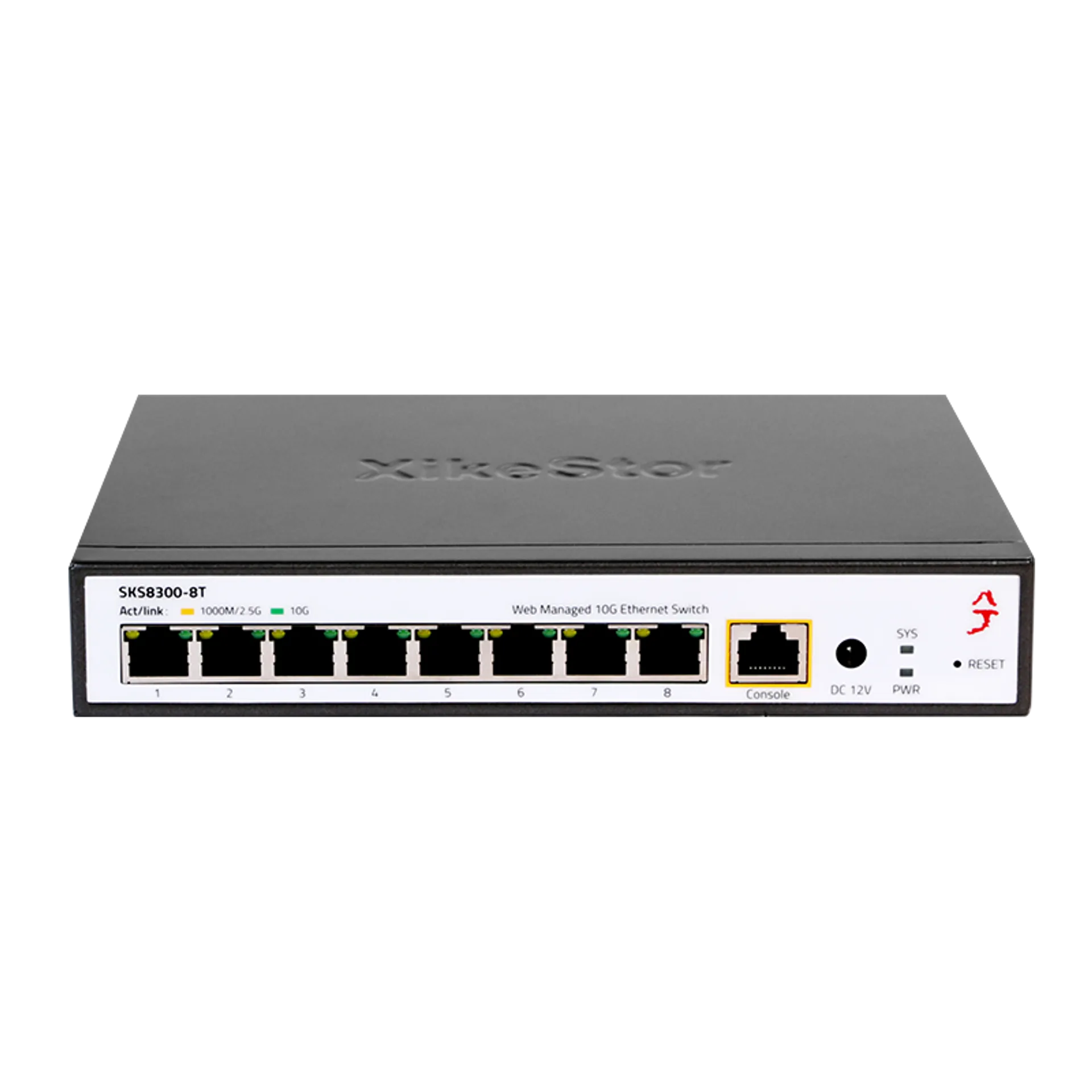
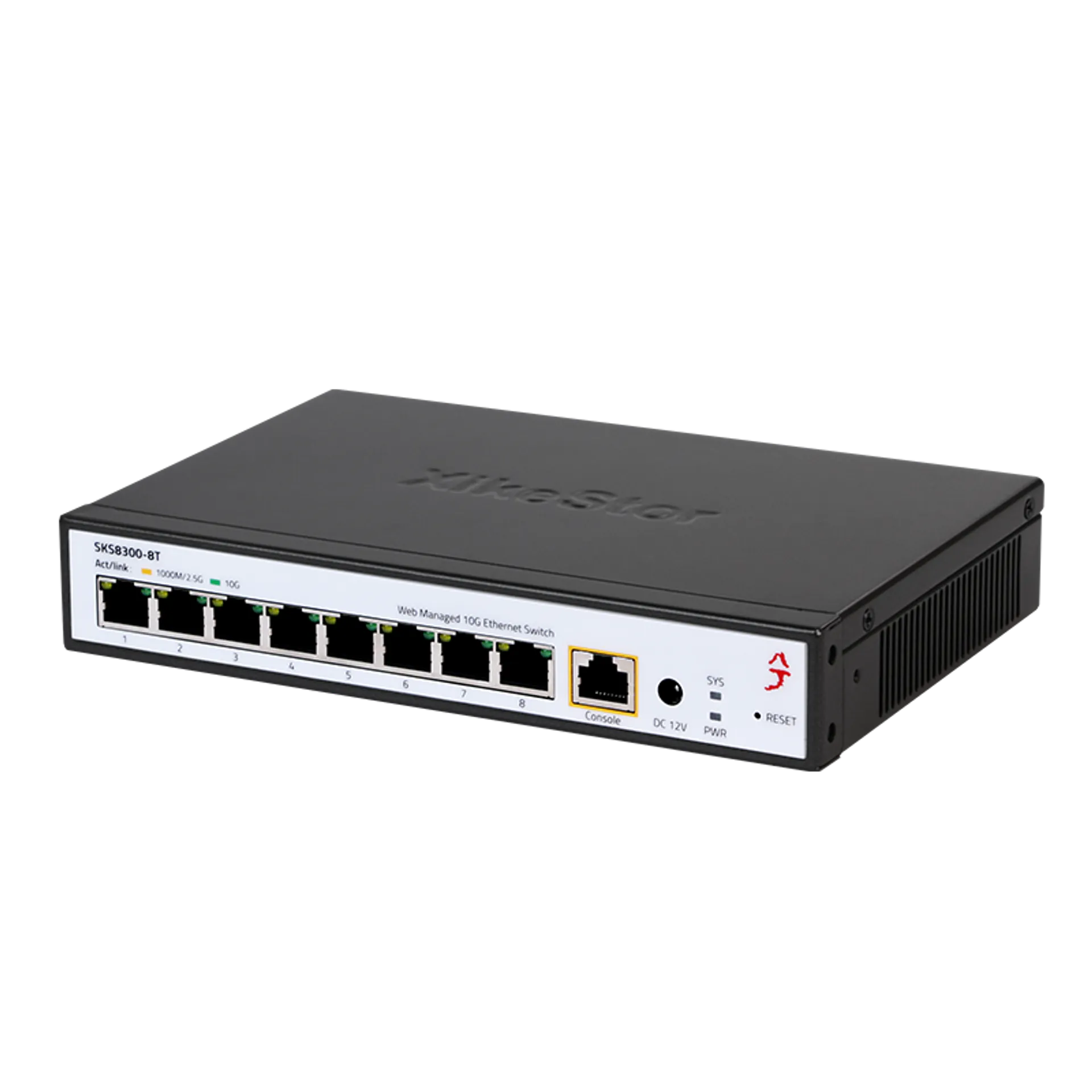
Featuring 8× 10G RJ45 ports with 1G/2.5G/5G/10G auto-sensing capabilities. This 8-port 10GbE switch provides seamless high-speed integration for 10G NAS, workstations, 8K video streaming servers, and high-performance PCIe NICs. It is fully compatible with standard Cat6a/Cat7 cables, simplifying your upgrade to a 10-Gigabit infrastructure.
3. Advanced Layer 3 Routing & Management
As a powerful L3 managed 10Gb network switch, it provides robust support for advanced protocols including Static Routing, OSPF, BGP, and DHCP Server. Manage your enterprise-level operations with ease via an intuitive Web GUI or professional CLI (Console/SSH), allowing for efficient cross-VLAN communication and precise network segmentation.
4. Intelligent Cooling & Rugged Metal Design
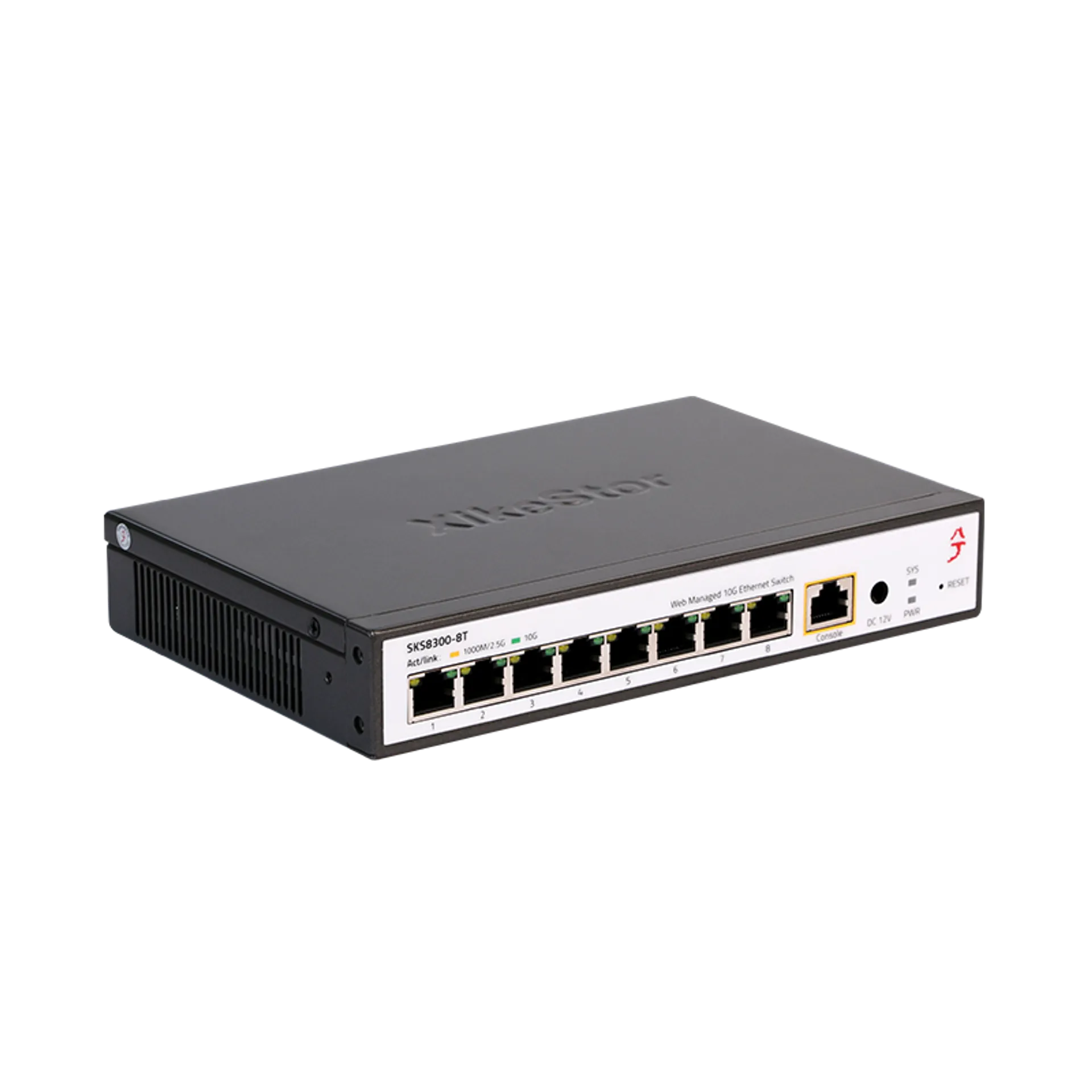
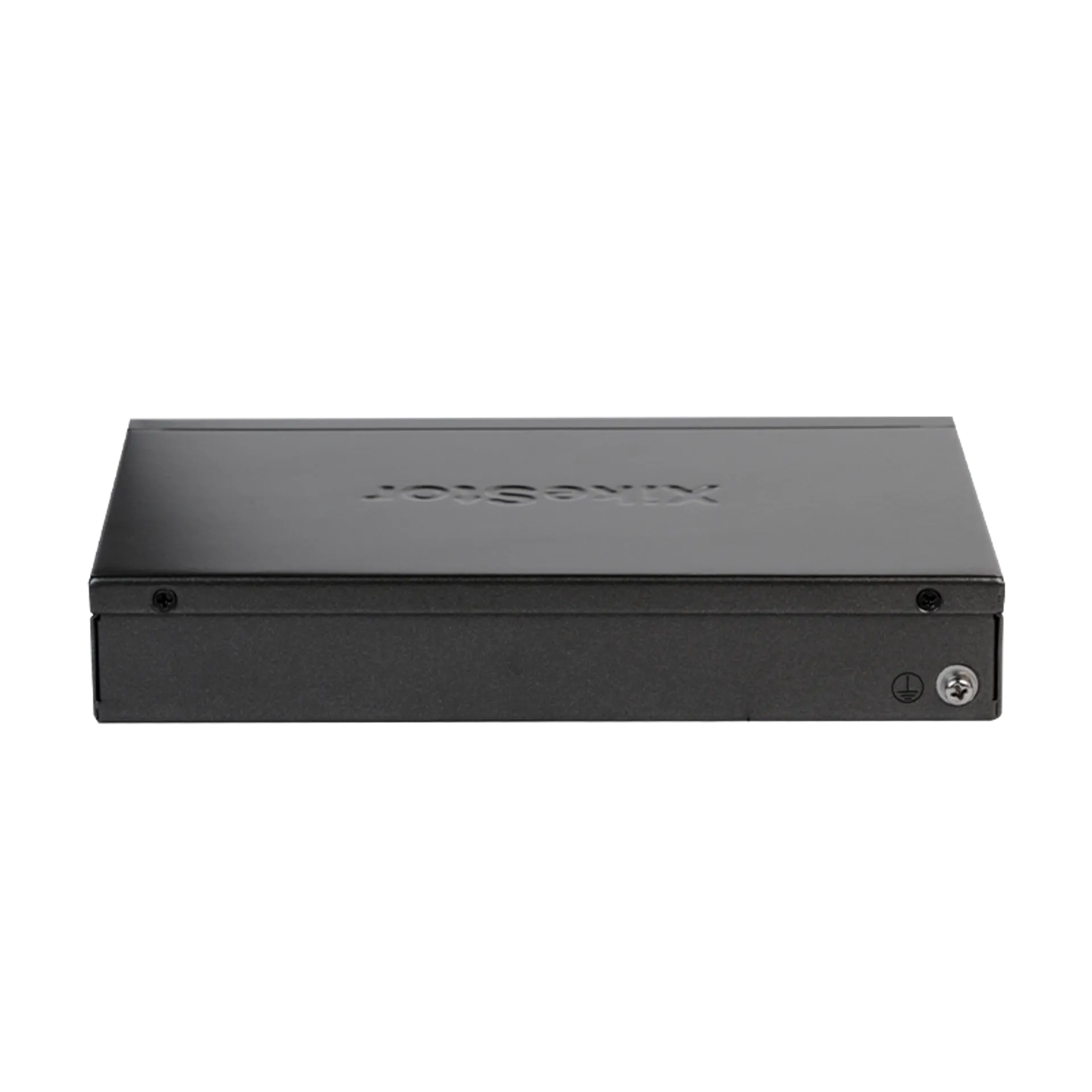
Built with a heavy-duty industrial-grade metal casing and an integrated smart cooling fan. This 10Gbps switch excels in thermal dissipation, automatically adjusting fan speeds to ensure stable operation and an extended lifespan even under continuous 24/7 heavy workloads.
5. Enhanced Security & Granular QoS Control
Safeguard your network with advanced security features like IP+MAC+Port binding, ACL filtering, and 802.1X. The powerful Quality of Service (QoS) engine ensures effective traffic prioritization, allowing you to guarantee bandwidth for critical voice, video, and server data in high-density networking solutions.
6. Quick Web Management Access
To access the management interface, set your network IP to 192.168.10.X (X=2-254, excluding 12) and enter 192.168.10.12 in your browser. Use the default credentials (admin/admin) found on the device. Important: Always click the “Save” button after configuration to retain settings through power cycles or firmware upgrades.

 Ports Count
 Downlink Speed
 Uplink Speed
 Switching Capacity
 PoE Ports
 PoE Power
 Managed Layer
 Casing Material
 English
  German
 Japanese
 French
 Dutch
Dutch