1. High-Performance 10G Hybrid Connectivity
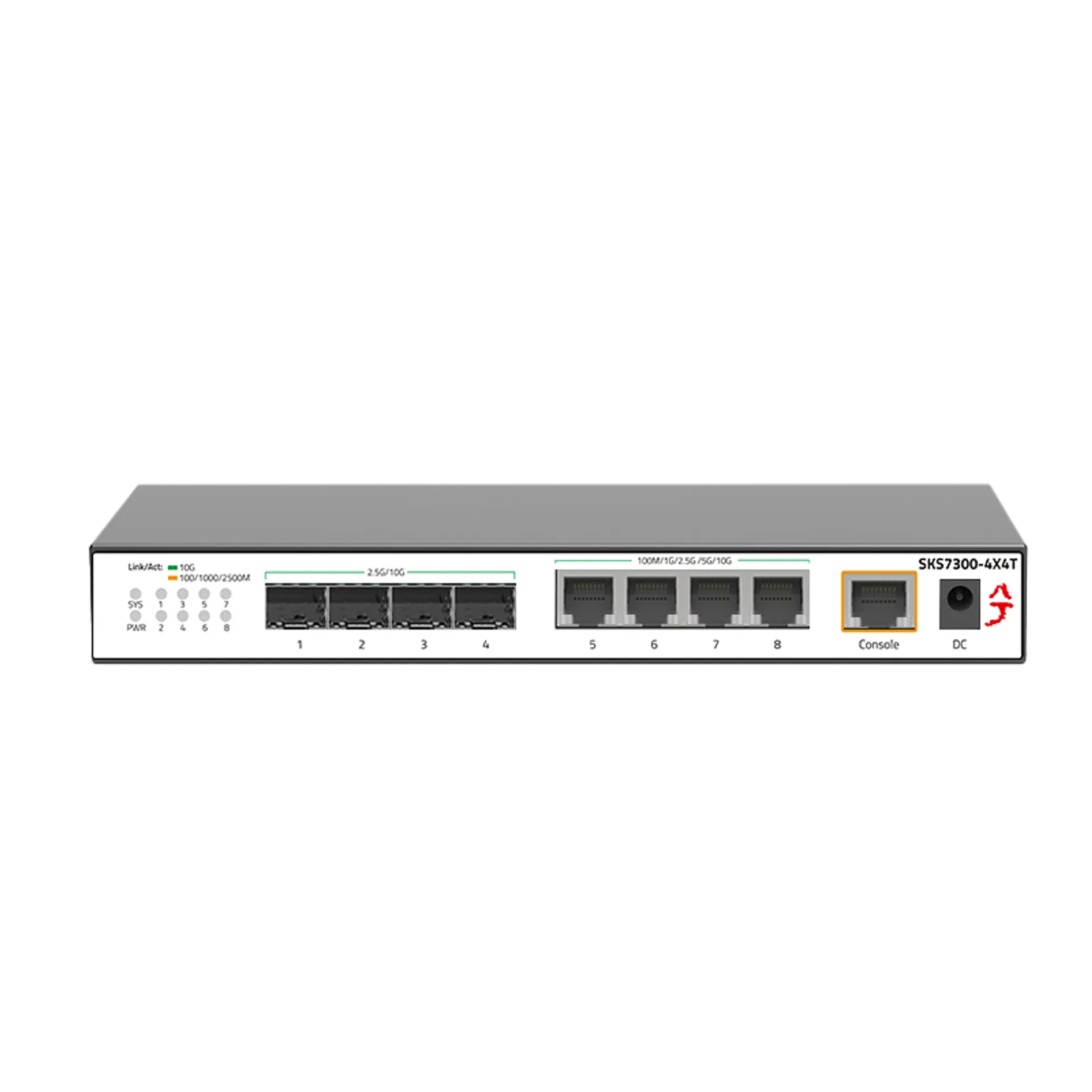
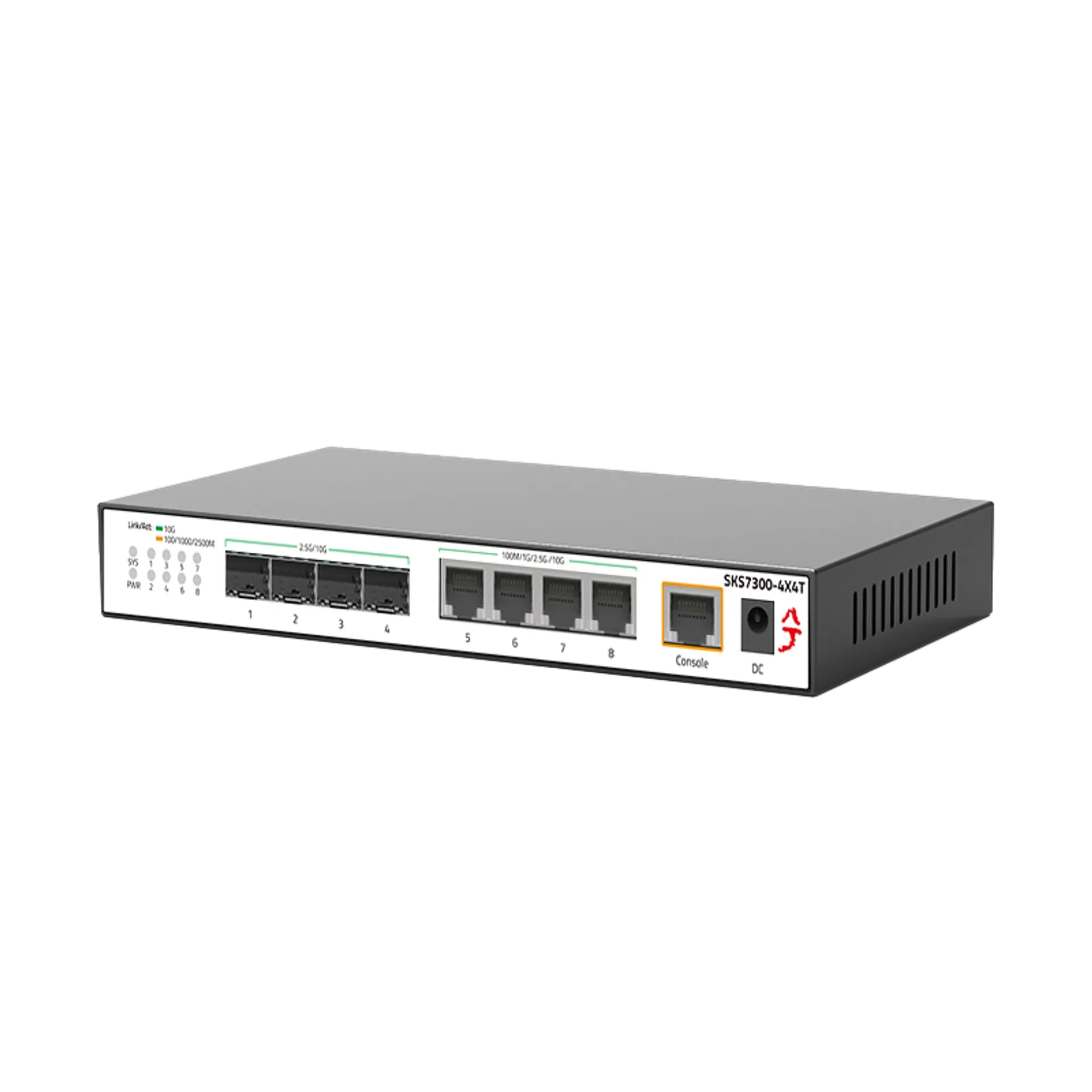
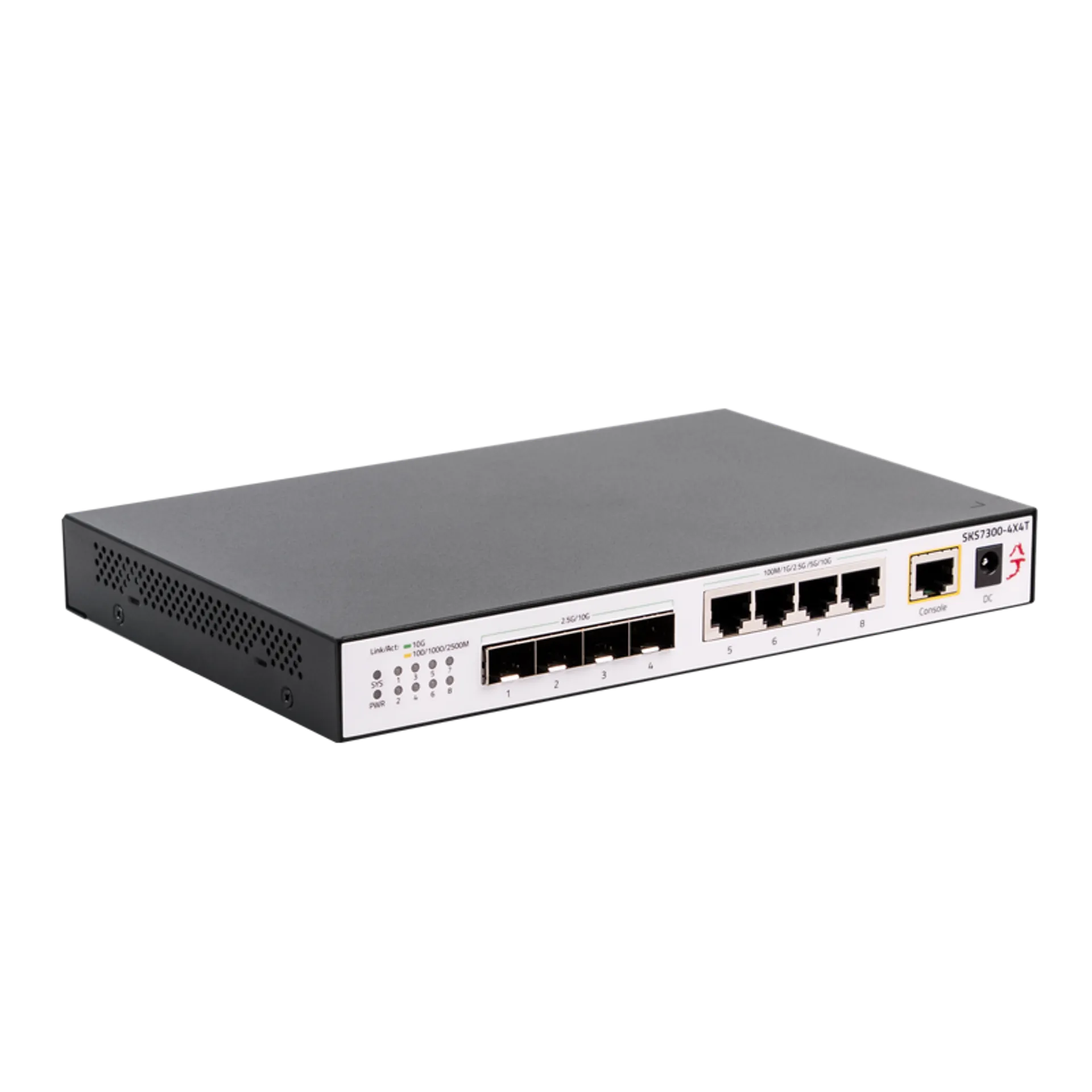
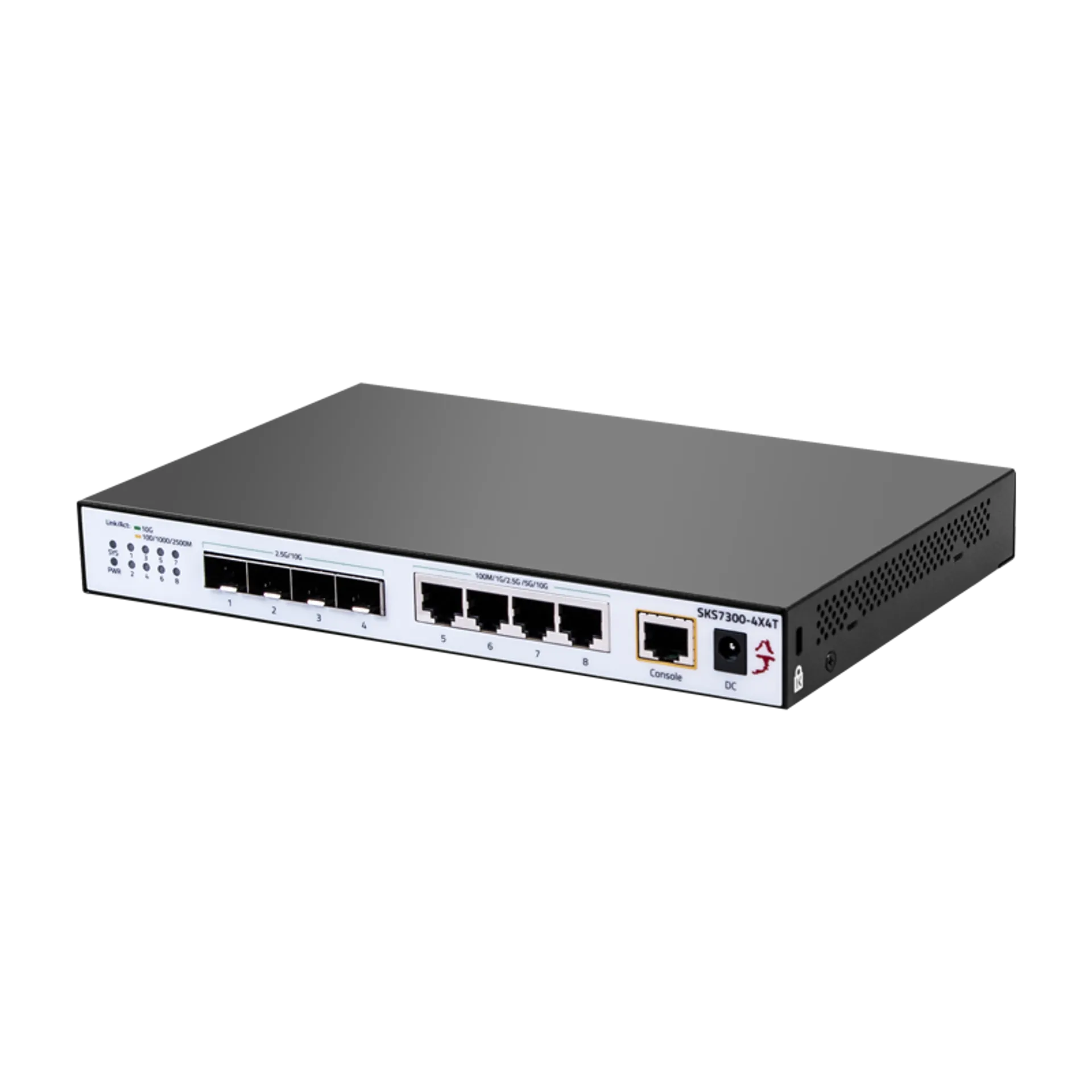
Experience ultimate flexibility with this 8-port 10G managed switch, featuring 4× 10G RJ45 ports (100M/1G/2.5G/5G/10G auto-adaptive) and 4× 10G SFP+ ports. Whether you are using standard Cat6a cables or high-speed fiber, DAC, and AOC, this 10GbE switch provides low-latency, high-bandwidth connections for demanding network environments.
2. Full Line-Rate Switching & Zero Packet Loss
Designed as a high-performance 10 gigabit fiber switch, this device supports full wire-speed forwarding across all ports with Auto MDI/MDIX functionality. It ensures stable, non-blocking data transmission with minimal latency, making it the perfect backbone for 10G NAS backups, 8K video editing, and enterprise-level virtualization.
3. Advanced Layer 2 Management & Optimization
As a professional 10G managed network switch, it offers robust support for essential L2 features including QoS, VLAN, STP, LACP Link Aggregation, and IGMP Snooping. Optimize your traffic flow and enhance network security for home labs, small business environments, or high-end gaming setups with precise, intuitive control.
4. Intelligent Cooling & Rugged Industrial Build
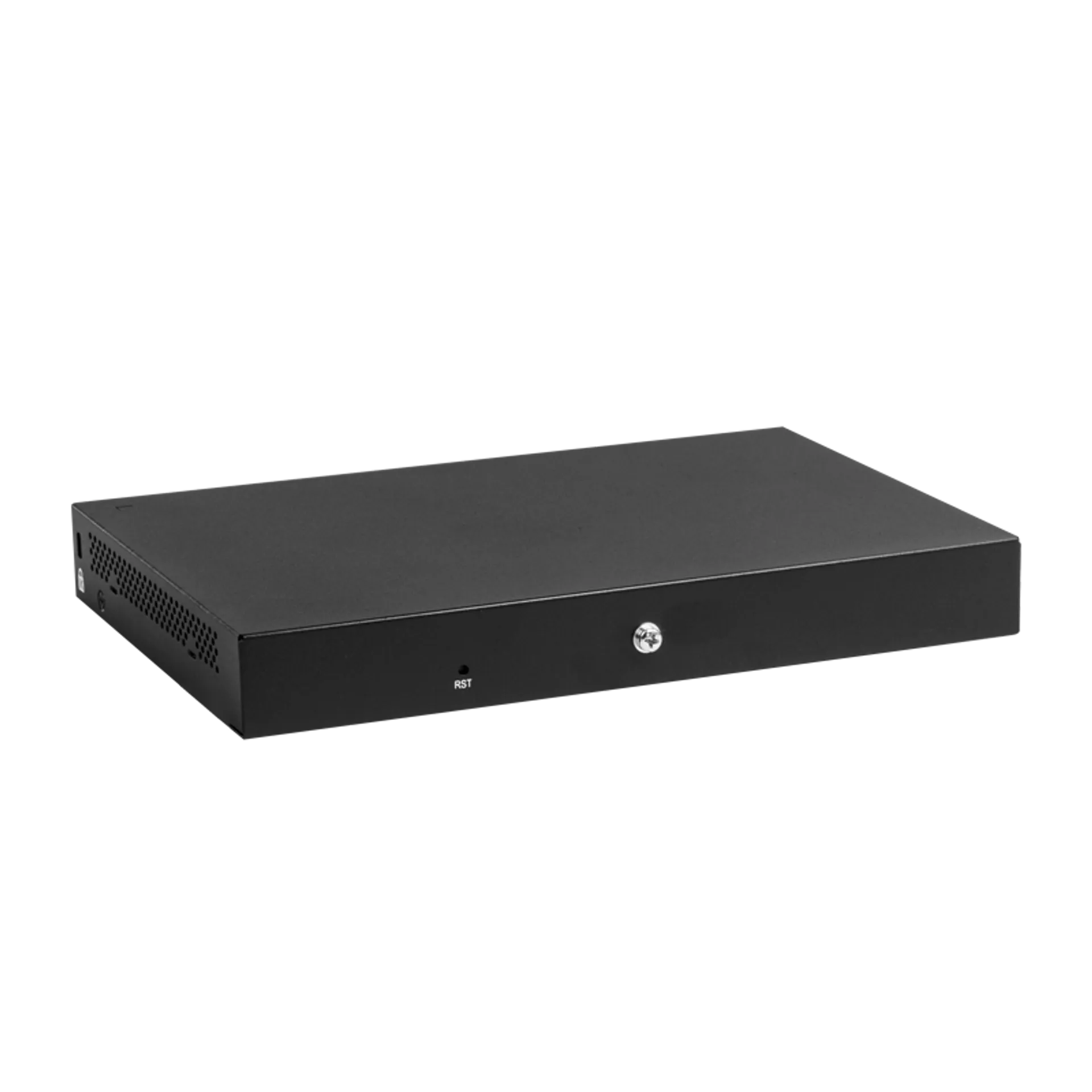
Built with a full-metal housing and side ventilation, this 10Gb SFP switch features an intelligent temperature-controlled fan. The smart cooling design dynamically adjusts fan speed to minimize noise while ensuring efficient heat dissipation, extending the device’s lifespan even under continuous 24/7 heavy workloads.
5. 6KV Lightning Protection & Versatile Deployment
Equipped with 6KV lightning protection and 8KV ESD shielding, this 10gig switch ensures stable operation in challenging conditions. Supporting both desktop and wall-mount installations, it’s a reliable choice for data centers, small businesses, and high-speed gaming networks seeking industrial-grade durability.
6. Quick Web Management Access
To configure your switch, set your network IP to 192.168.10.X (X=2-254, excluding 12) and access 192.168.10.12 in your browser. Use the default username “admin”. Important: After making changes, you must click the “Save” button under System Manage to ensure settings are retained after a power cycle or firmware upgrade.

 Ports Count
 Downlink Speed
 Uplink Speed
 Switching Capacity
 PoE Ports
 PoE Power
 Managed Layer
 Casing Material
 English
  German
 Japanese
 French
 Dutch
Dutch