1. Versatile 2.5G & 10G Hybrid Connectivity
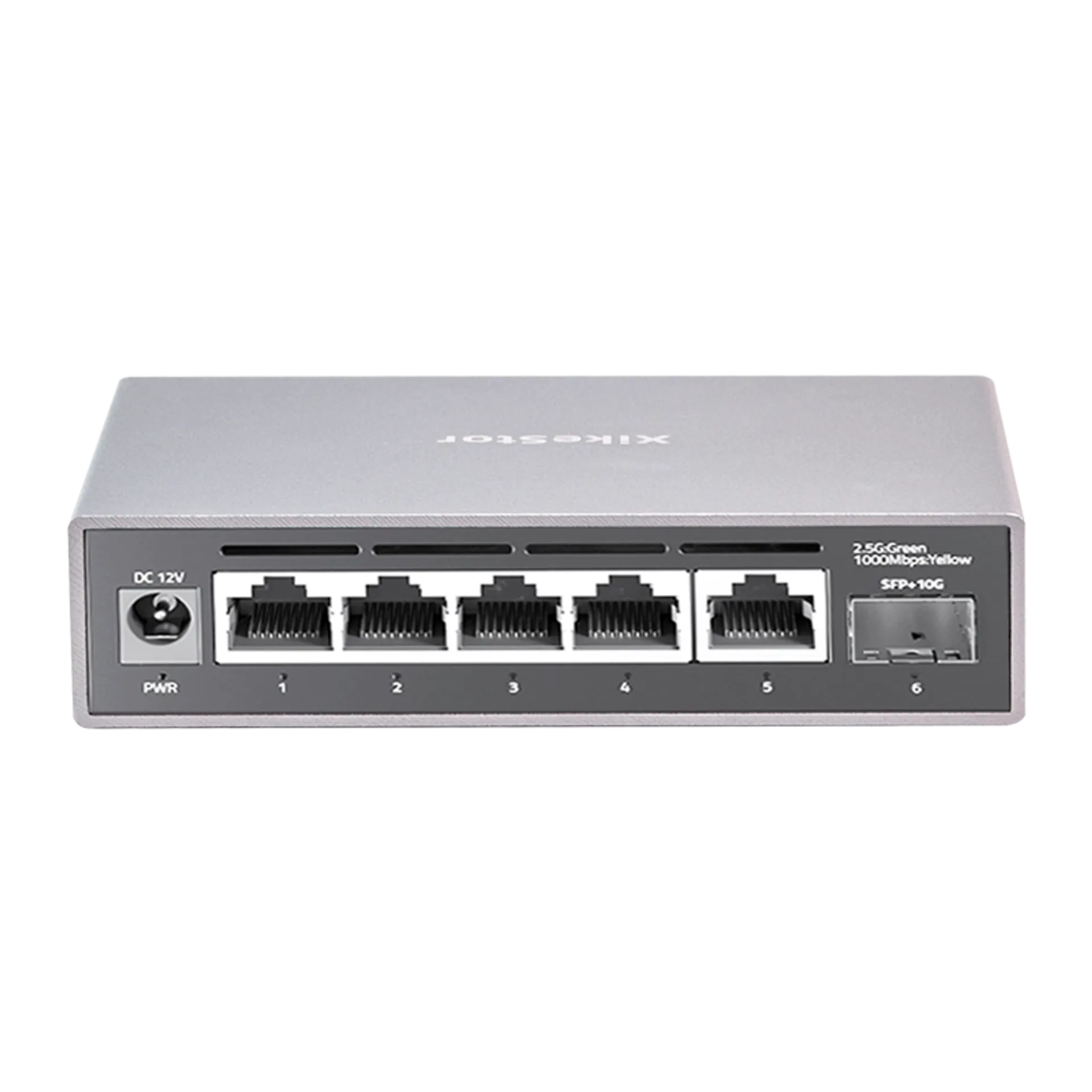
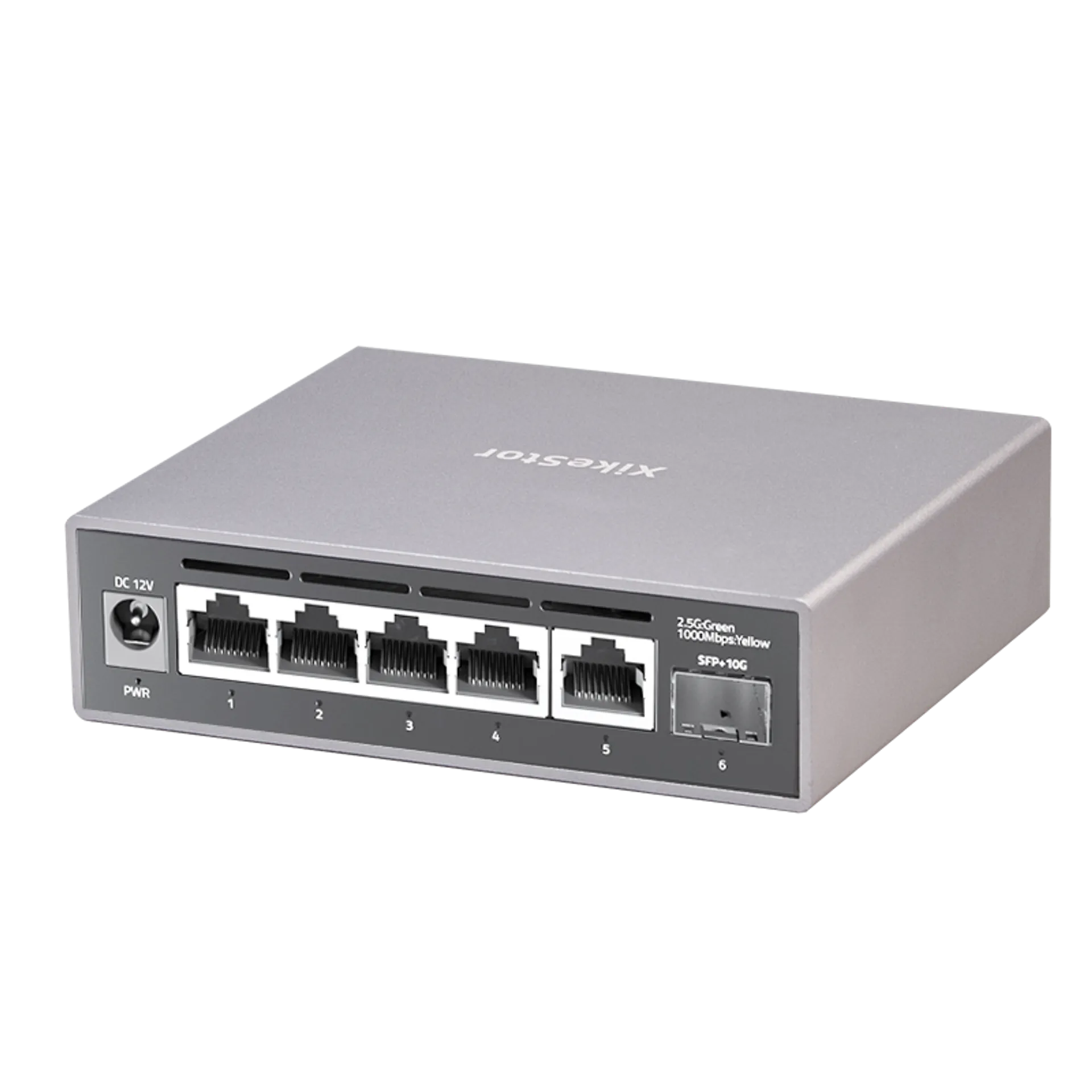
Equipped with 5× 2.5GbE RJ45 ports (100M/1G/2.5G auto-sensing) and 1× 10G SFP+ uplink port. The SFP+ slot supports 1G/2.5G/10G optical modules, DAC, and AOC cables. With a 45Gbps backplane bandwidth, this powerful managed Ethernet switch ensures zero bottlenecks for NAS, WiFi 6/7 APs, and 4K video streaming.
2. Comprehensive Web Management
This 2.5g managed switch features an intuitive Web UI for professional network control. It supports essential Layer 2 functions including VLAN (up to 32 IDs), QoS data prioritization, Link Aggregation (Static & LACP), IGMP Snooping, Loop Prevention, and Bandwidth Control—perfect for handling complex SOHO and SMB networking scenarios.
3. Stable High-Speed & Non-Blocking Transmission
All ports support full line-rate, non-blocking switching with Auto MDI/MDIX. This ensures high-bandwidth handling, reduces forwarding latency, and prevents packet loss. It provides a reliable backbone for gaming PCs, 2.5G servers, and high-performance PCIe network adapters, ensuring efficient data transmission 24/7.
4. Silent Fanless Design & Durable Aluminum Casing
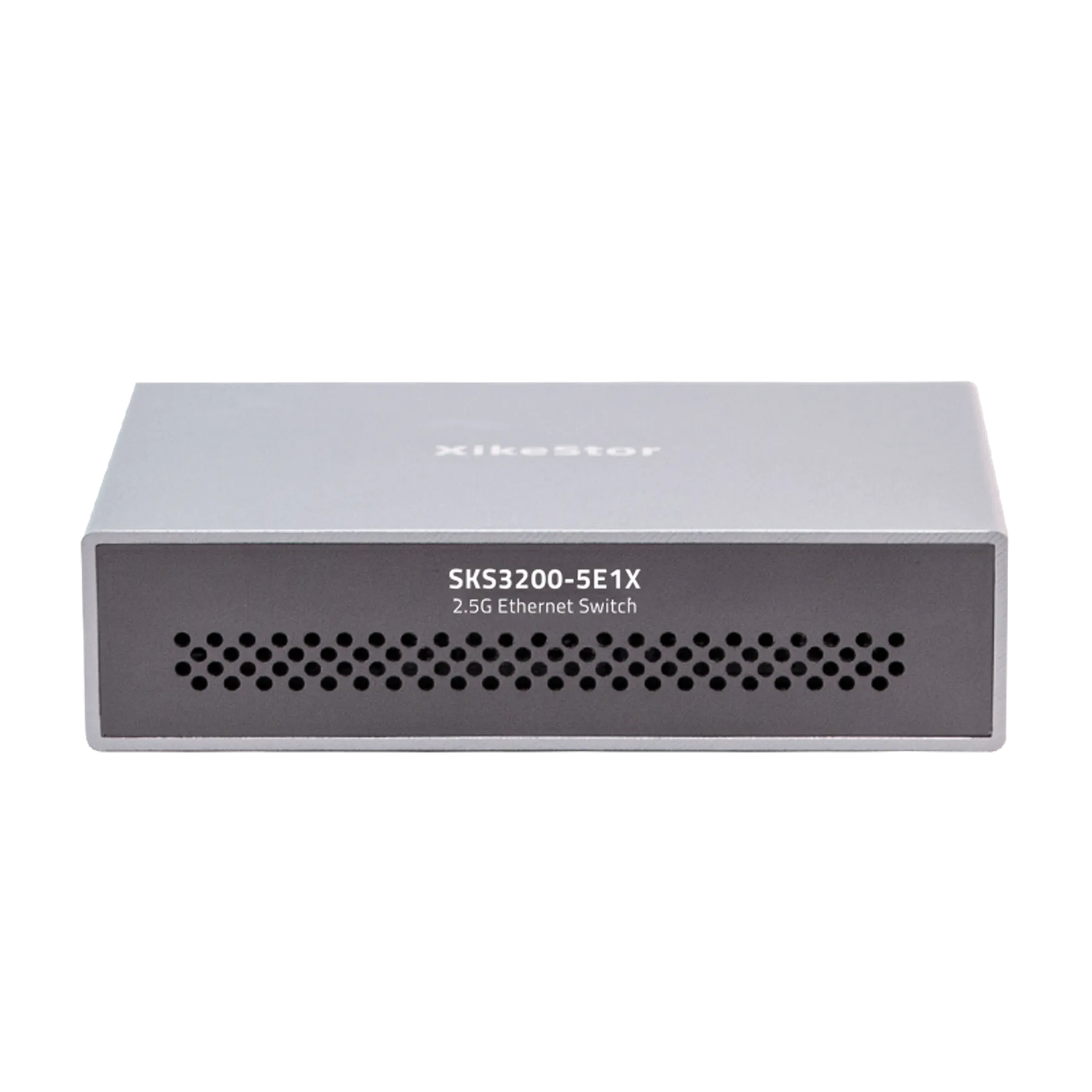
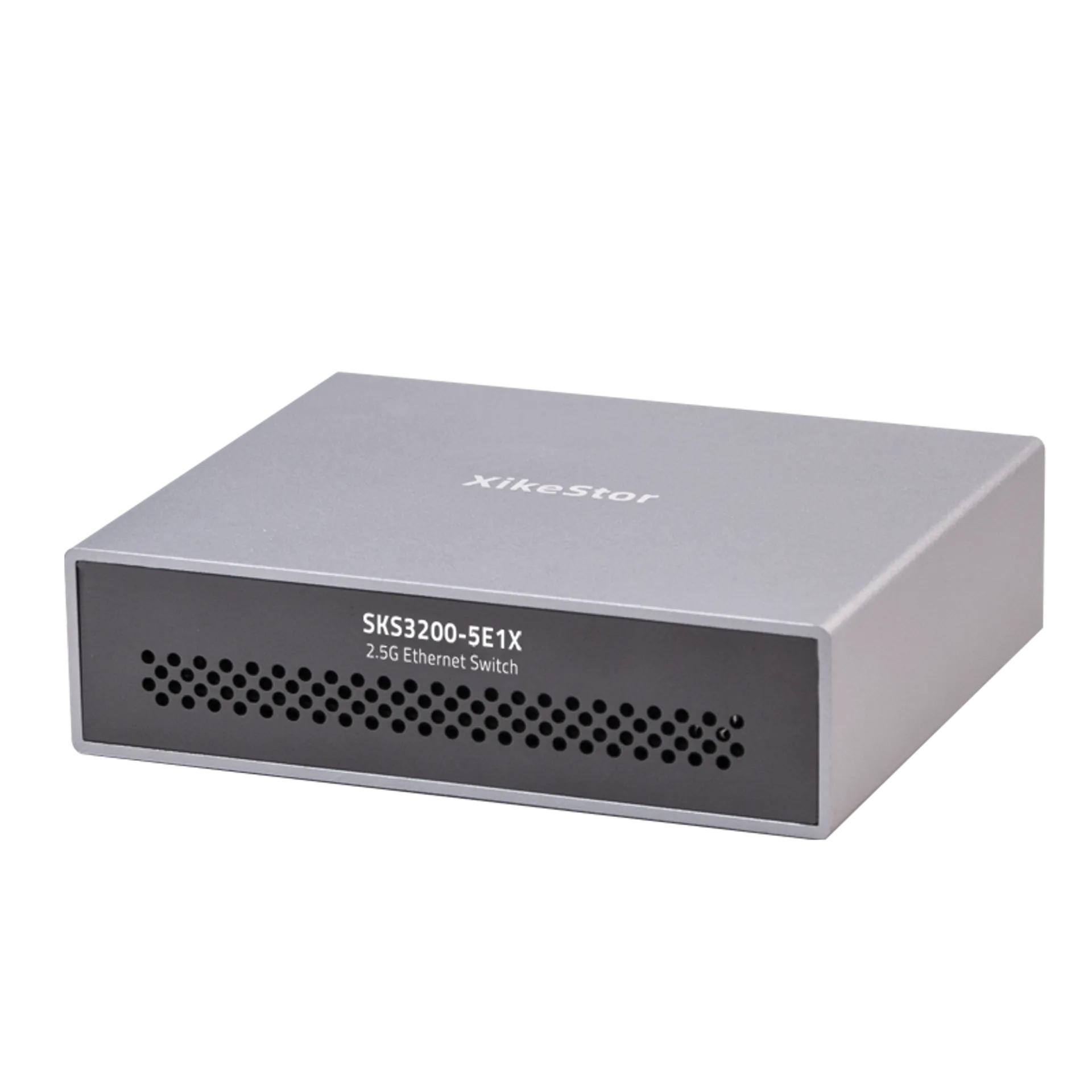
Featuring a premium aluminum alloy casing with front and rear heat vents, this 2.5 gigabit switch enhances cooling performance without the need for fans. The fanless structure ensures 100% noiseless operation, making it an ideal, compact solution for desktop use or wall-mounting in quiet office and home environments.
5. 6KV Lightning Protection & Enhanced Stability
Built for durability, it supports 6KV lightning protection and 8KV ESD shielding to minimize damage during thunderstorms. This managed switch is highly compatible with 2.5G NAS (supporting link aggregation for load balancing), gaming consoles, and security cameras, providing a robust and future-proof networking foundation.
6. Easy Web Management Access
To configure your switch, set your network IP to 192.168.10.X (X=2-254, excluding 12) and access 192.168.10.12 via browser. Use the default credentials located on the product label. Note: Always click the “Save” button under System Manage after configuration to ensure settings are retained after a power cycle or firmware upgrade.

 Ports Count
 Downlink Speed
 Uplink Speed
 Switching Capacity
 PoE Ports
 PoE Power
 Managed Layer
 Casing Material
 English
  German
 Japanese
 French
 Dutch
Dutch