1. High-Performance 2.5G PoE+ & Dual 10G SFP+ Uplinks
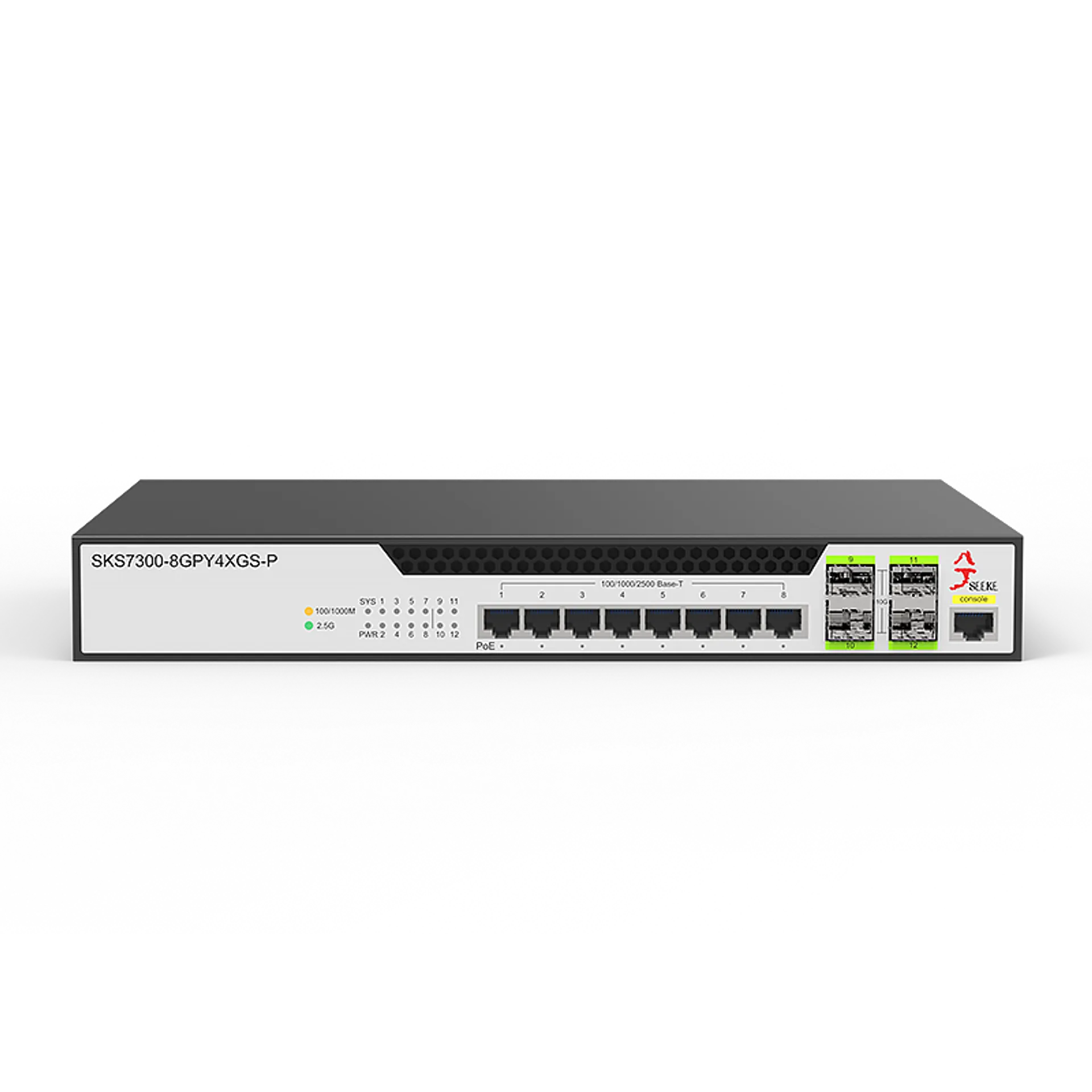
Experience next-generation networking with efficient 2.5G PoE delivery that optimizes both power and data through a single cable. Featuring dual 10G SFP+ ports, this switch ensures seamless performance for high-bandwidth tasks such as 4K video streaming, large-scale NAS backups, and data-intensive enterprise applications.
2. Robust 6KV Lightning & Surge Protection
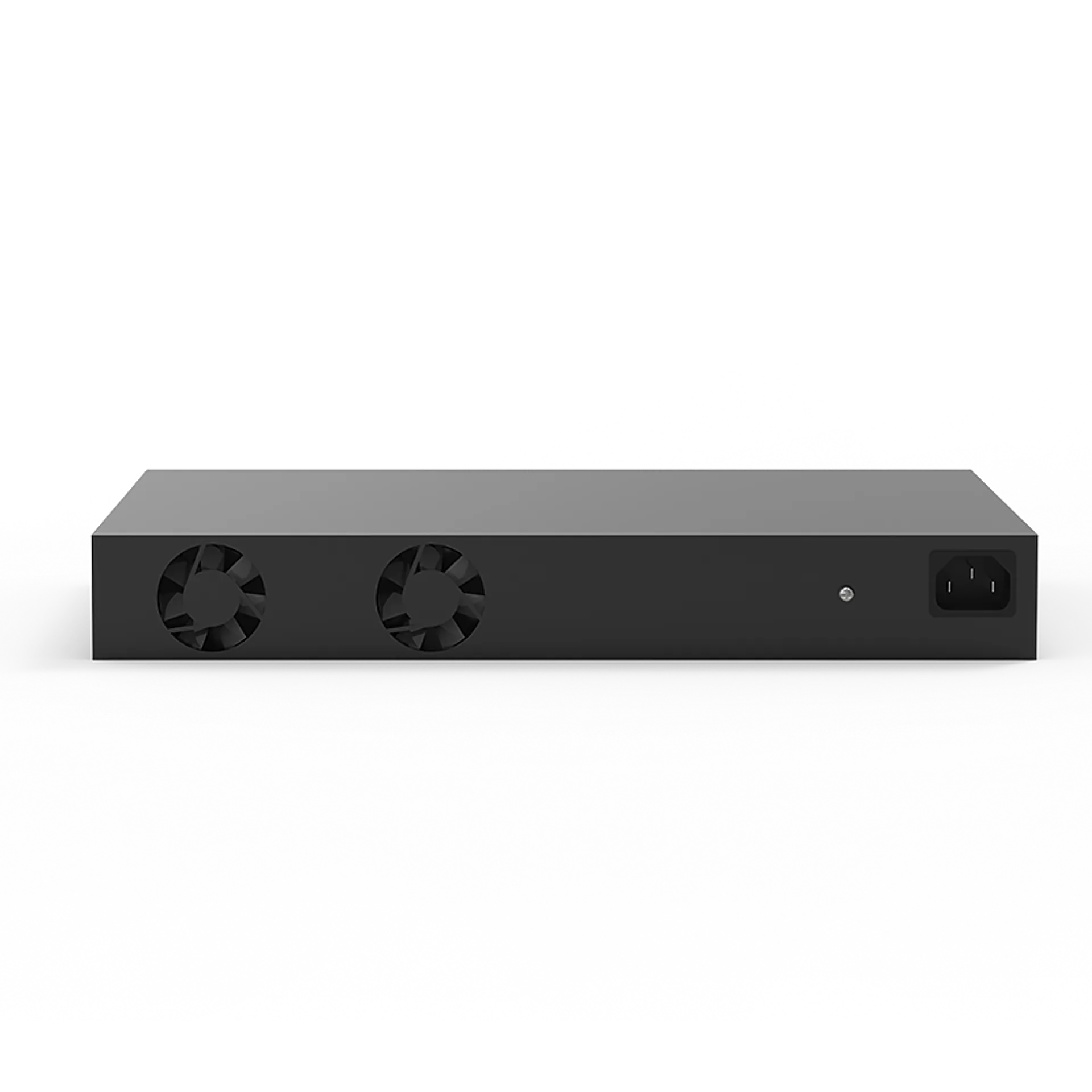
Engineered for maximum reliability, this switch is equipped with professional 6KV lightning protection to safeguard your infrastructure against power surges and storms. This robust hardware defense ensures network integrity and device safety even in adverse environmental conditions or outdoor installations.
3. Versatile Compatibility for Diverse High-Speed Devices
Designed for modern multi-gigabit ecosystems, this poe network switch offers wide-range compatibility with everything from high-resolution surveillance cameras and WiFi 6 Access Points to high-performance servers and workstations. It effortlessly adapts to the evolving needs of Pro-sumers and small-to-medium businesses.
4. Effortless Plug-and-Play Simplicity
Get your network up and running in seconds with true plug-and-play convenience. By eliminating complex initial configurations, this switch provides a user-friendly installation experience, making it ideal for rapid deployment in offices, retail spaces, or smart homes.
5. Flexible Desktop or Rack-Mount Installation
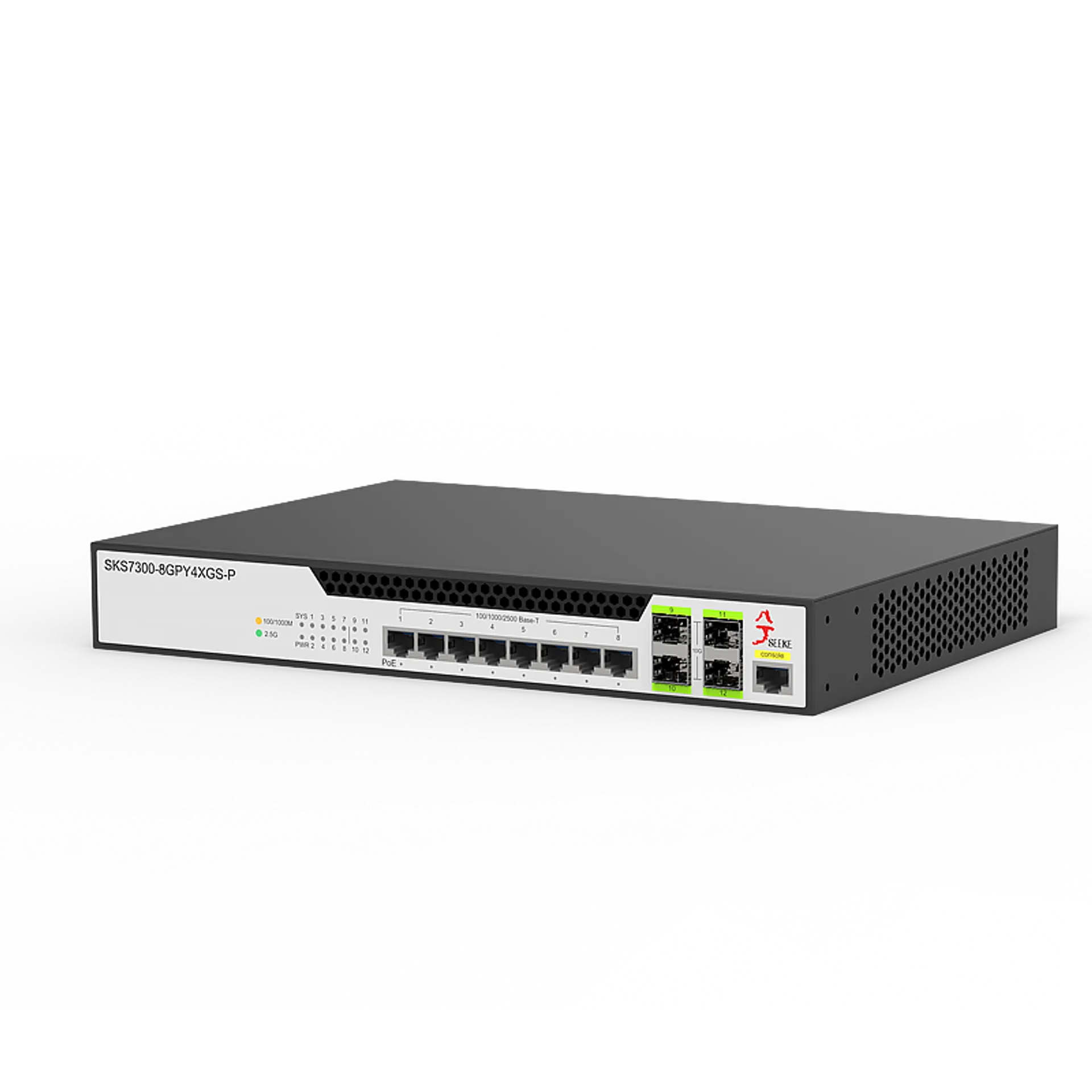
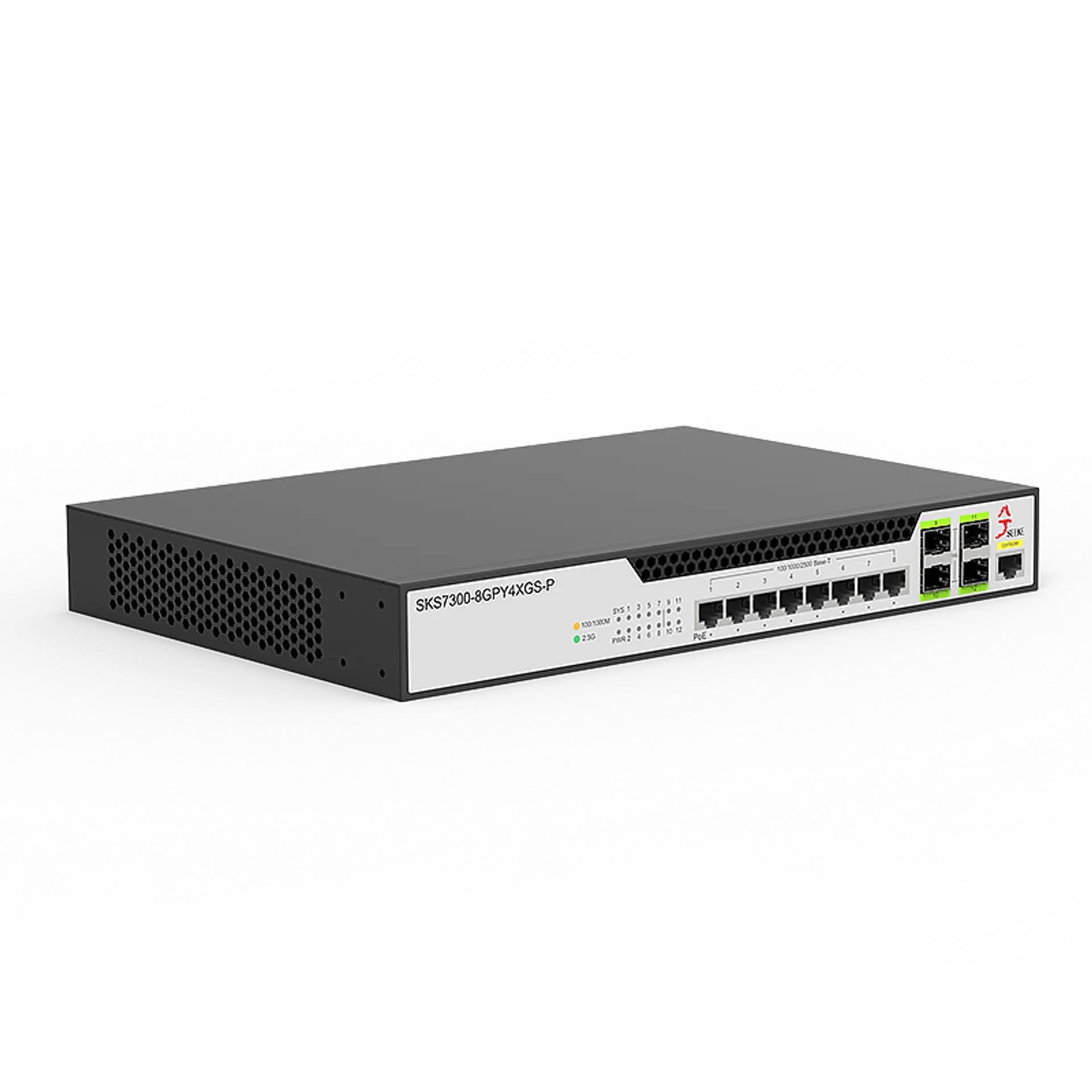
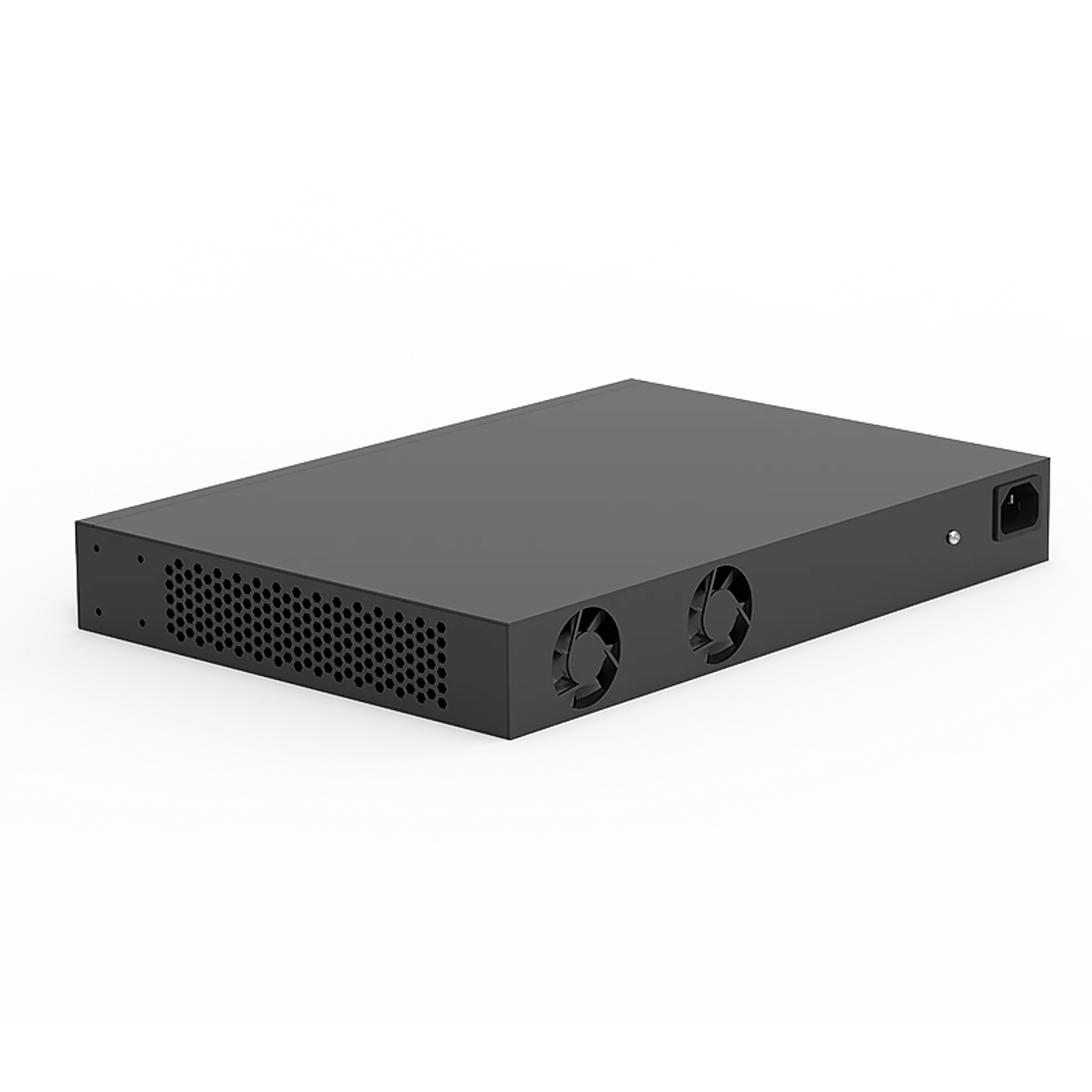
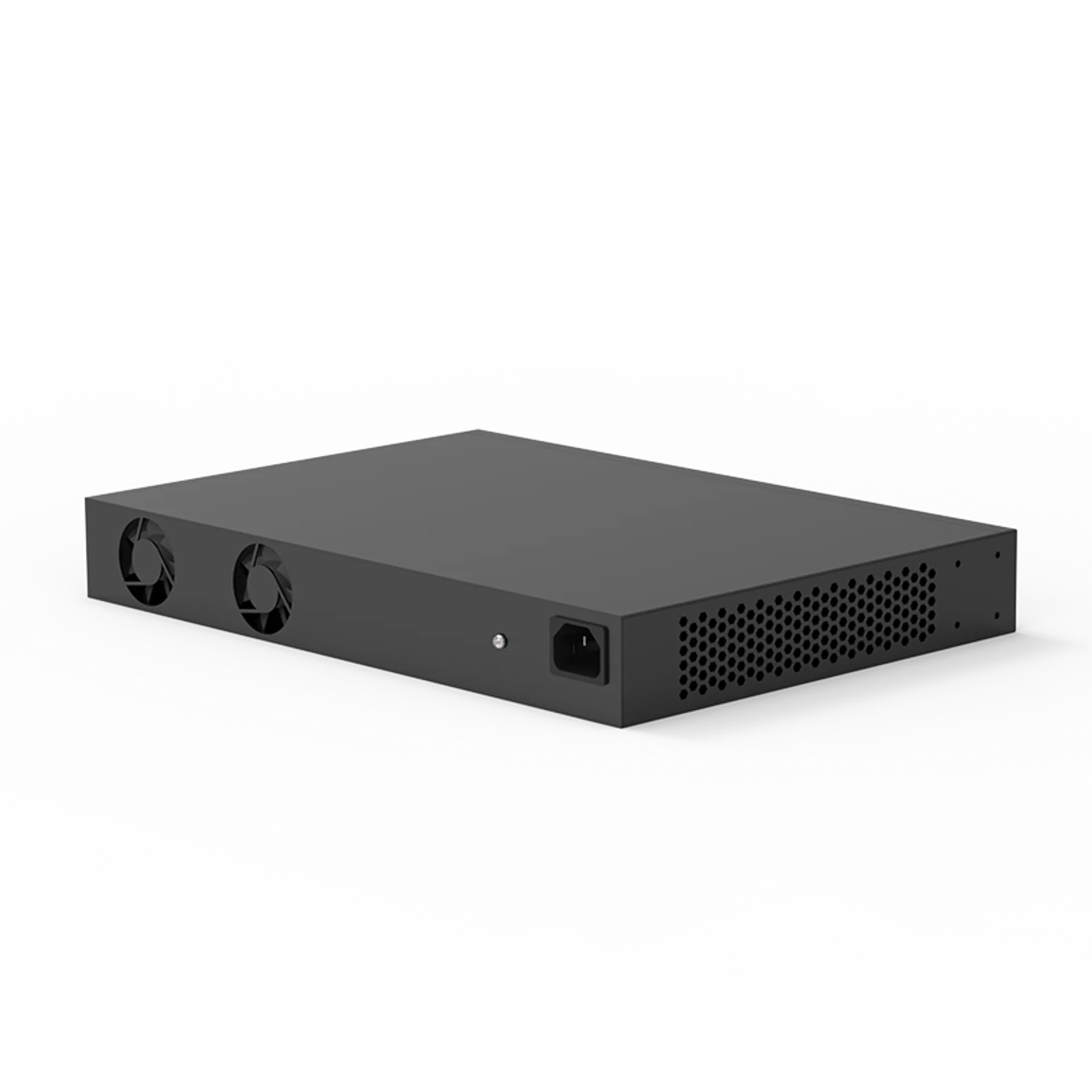
Maximize your workspace efficiency with versatile mounting options. This POE switch can be placed on a desktop for immediate use or rack-mounted in a standard server cabinet, allowing you to choose the setup that best fits your specific networking environment and space constraints.
6. Intelligent Power Management & Configuration Security
Manage your PoE budget effectively with internal sensors that detect and supply power only to compatible devices. Reminder: To ensure your network settings remain active after a reboot, please use the Web Management interface (Default IP: 192.168.10.12) and remember to click “Save Configuration” under the Tools menu.