



Is Gigabit Ethernet Still Enough?
For more than two decades, Gigabit Ethernet (1GbE) has been the standard for home and office networks. It has powered everything from everyday internet browsing to file sharing and media streaming.
But the way we use our networks has changed dramatically.
Today, many users rely on Network Attached Storage (NAS), Wi-Fi 6/7 access points, high-resolution video editing, virtualization, and increasingly faster broadband connections. These workloads demand more bandwidth than traditional Gigabit Ethernet was originally designed to provide.
So the question is no longer “Does Gigabit work?”
It’s becoming:
“Is Gigabit now the bottleneck in my network?”
Your Devices Are Getting Faster
Think about the devices you already own.
Maybe you’ve recently upgraded to:
- A NAS with 2.5GbE ports
- Wi-Fi 6E or Wi-Fi 7 router
- A desktop with an SSD
- Multi-Gig broadband from your ISP
Individually, these upgrades improve performance.
However, if they’re all connected through a traditional Gigabit switch, every device is still limited by a maximum theoretical bandwidth of 1 Gbps.
In many situations, the network—not the devices—becomes the slowest component.
Four Signs You’ve Outgrown Gigabit Ethernet
Instead of discussing technical specifications, let’s look at real-world scenarios.
1. Large File Transfers Take Longer Than Expected
If you’re regularly copying:
- 4K videos
- RAW photos
- CAD projects
- Virtual machine images
…waiting several minutes for each transfer quickly becomes frustrating.
A faster local network can significantly reduce transfer times.
2. Multiple Users Access the NAS at the Same Time
In many homes and small businesses:
- PCs
- Laptops
- TVs
- Backup systems
- Surveillance storage
all access the NAS simultaneously.
While a Gigabit network may perform well for a single device, bandwidth is shared across multiple clients, making congestion more noticeable.
3. Your Wi-Fi Is Faster Than Your Wired Network
Modern Wi-Fi 6E and Wi-Fi 7 access points can easily exceed 1 Gbps under ideal conditions.
Ironically, wireless devices may be capable of higher speeds than the wired backbone they’re connected to.
This means upgrading Wi-Fi alone doesn’t always improve the overall experience.
4. Your Internet Connection Is Already Multi-Gig
Many ISPs now offer:
- 1.5 Gbps
- 2 Gbps
- 2.5 Gbps
- Even faster fiber plans
Without Multi-Gig networking equipment, you simply can’t utilize the full bandwidth you’re paying for.
How Much Faster Is 2.5G?
The jump from Gigabit to 2.5GbE isn’t just a specification upgrade—it delivers a meaningful increase in practical throughput for everyday workloads.
| Ethernet Standard | Approximate Real Transfer Speed | Typical Use Cases |
|---|---|---|
| Gigabit Ethernet (1GbE) | ~110 MB/s | Basic home networking, web browsing, HD streaming |
| 2.5 Gigabit Ethernet (2.5GbE) | ~280 MB/s | NAS, creative work, gaming, small office |
| 10 Gigabit Ethernet (10GbE) | ~1100 MB/s | Enterprise storage, virtualization, professional media production |
Who Should Consider Upgrading?
You don’t need to upgrade simply because newer technology exists.
However, a 2.5GbE network can be a worthwhile investment if you are:
✅ A NAS user storing large files
✅ A home lab enthusiast running multiple servers or virtual machines
✅ A photographer or video creator working with high-resolution media
✅ A small business with shared files and multiple users
If your network primarily handles email, web browsing, and streaming, Gigabit Ethernet may still meet your needs.
Looking Ahead
As faster broadband, Wi-Fi 7, and high-speed storage become increasingly common, Multi-Gig networking is quickly moving from a niche upgrade to a practical standard.
For many users, 2.5GbE offers an excellent balance between performance, compatibility, and cost—providing a noticeable improvement without the complexity or expense of a full 10GbE deployment.
Recommended Products
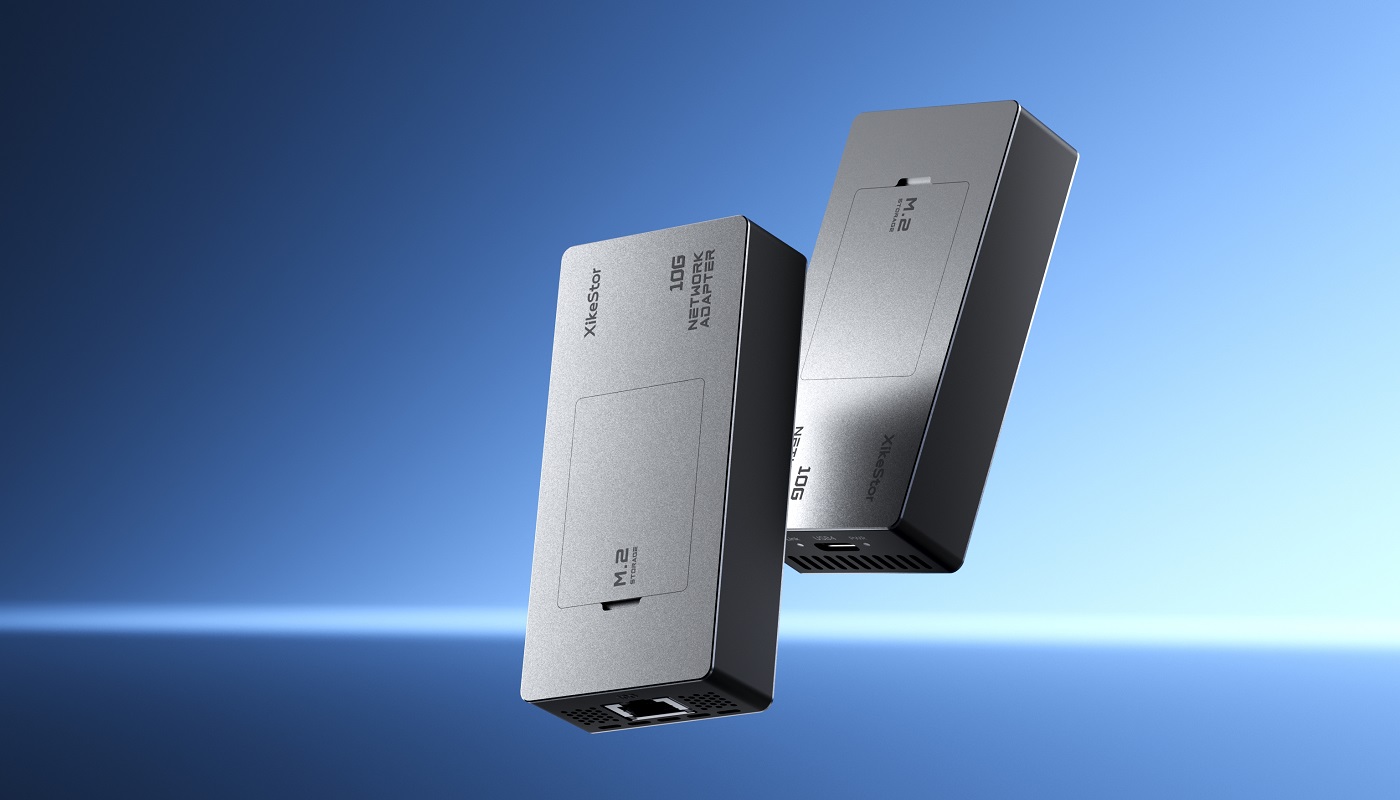
If you’re considering a Multi-Gig upgrade, these XikeStor solutions are a great place to start.
Next in This Series
Coming Next
How to Choose the Right 2.5G Switch: 5 Questions to Ask Before Buying
Need Firmware or Documentation?
Visit our Download Center to access the latest firmware, user manuals, quick start guides, and software tools for XikeStor products.
Can’t find what you’re looking for? Contact our support team—we’re here to help.