1. Next-Gen 2.5G & 10G Ultra-Fast Connectivity
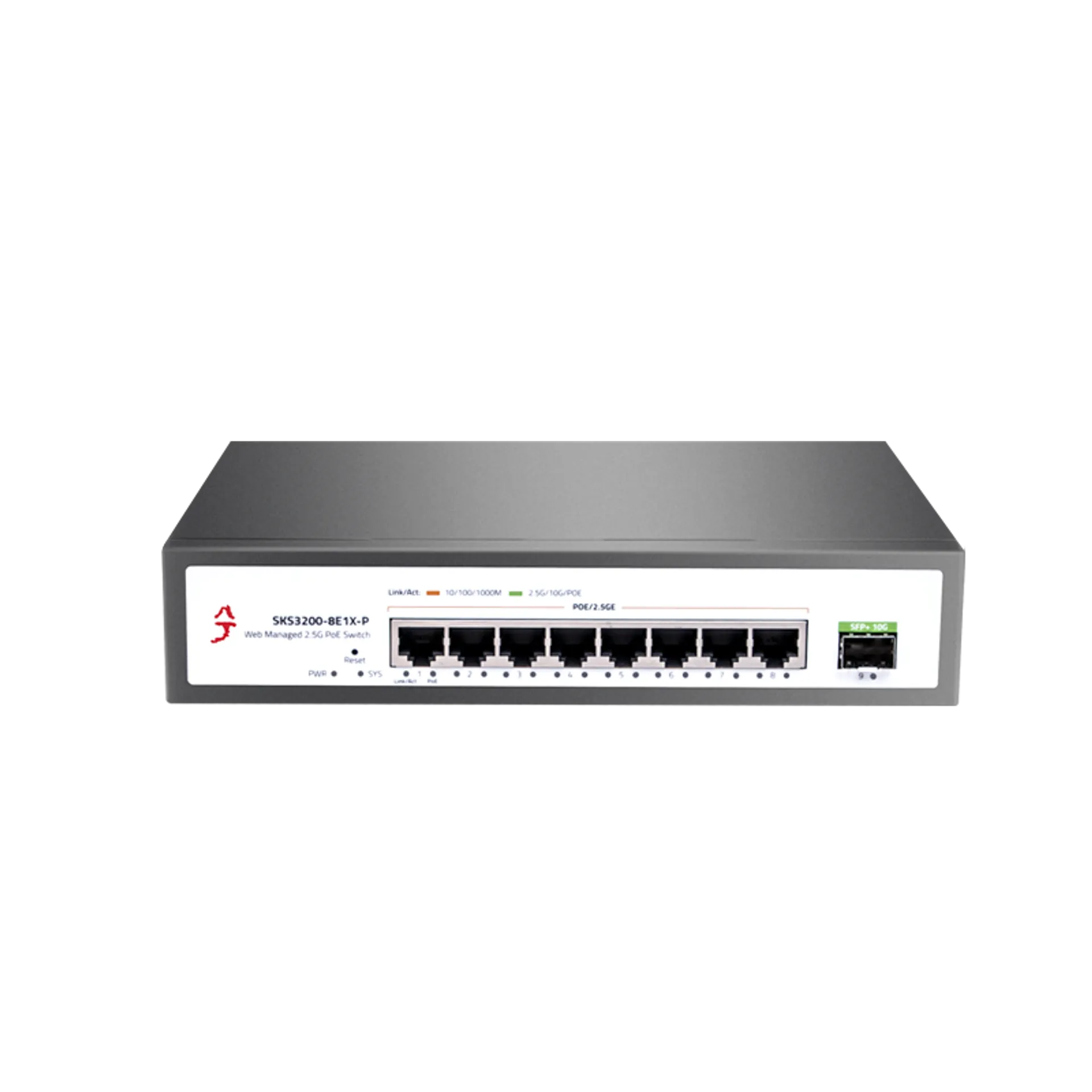
This managed switch is equipped with 8× 2.5GbE RJ45 ports and 1× 10G SFP+ uplink port, supporting full line-speed, non-blocking switching. Powered by a high-performance chipset, it ensures minimal latency and prevents data loss with automatic port flipping, providing a robust 2.5 gigabit network switch performance for NAS and high-end PCs.
2. High-Capacity 8-Port PoE+ Power Delivery
Featuring 8× 2.5G PoE ports, this device delivers up to 30W per port while strictly adhering to IEEE 802.3af/at standards. It is the ideal 2.5g managed poe switch for powering WiFi 6 Access Points, 4K IP cameras, and VoIP phones, ensuring seamless data and power transmission through a single cable.
3. Intelligent Power & Network Management
Experience advanced control with intelligent power distribution that automatically detects PD (Powered Devices) to protect non-PoE equipment. As a Layer 3 managed switch, it supports professional features like VLAN tagging and ACL security, allowing for efficient cross-segment communication and precise traffic control for SMB networks.
4. Whisper-Quiet Fanless Metal Design
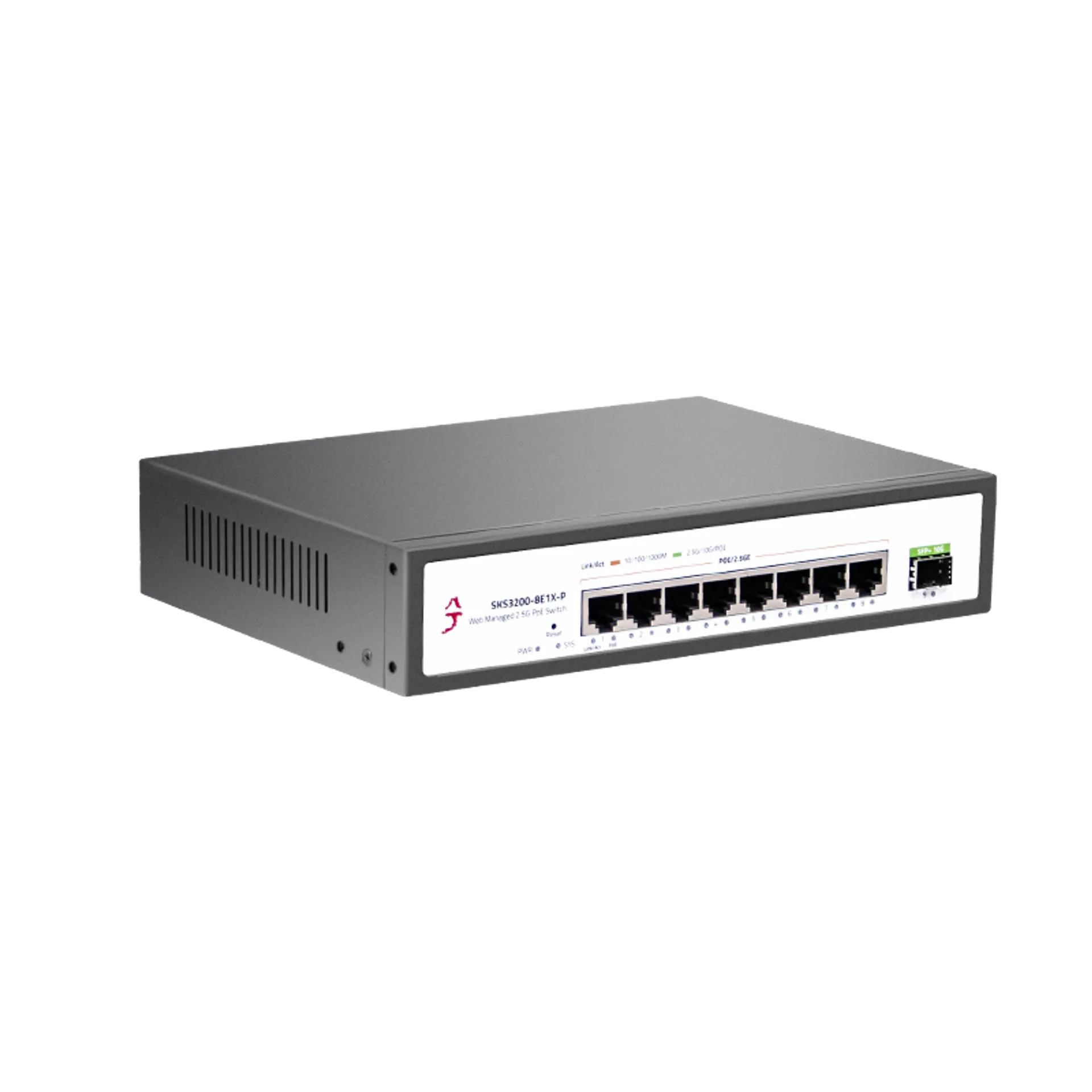
Built with a rugged all-metal chassis, this 2.5gbe switch features side ventilation for superior heat dissipation without the need for noisy fans. The fanless design ensures 100% silent operation, making it perfect for home offices, desktops, or any environment where a quiet 2.5 gig switch is essential.
5. Flexible Installation & Industrial Durability
Designed for versatility, this switch supports both desktop and rack-mounted installation (brackets available upon request). The durable industrial build guarantees 24/7 stable performance in demanding server rooms, while its compact form factor fits perfectly into small business or home lab setups.
6. Professional Management & Easy Configuration
Access the management interface effortlessly by setting your IP to 192.168.10.X and visiting 192.168.10.12 via any web browser. Offering both a User-Friendly Web GUI and Professional CLI, it provides total flexibility. Note: Always click “Save Configuration” under Tools to retain settings after a power cycle or firmware upgrade.