1. Ultra-High-Speed 40G & 100G Data Center Connectivity
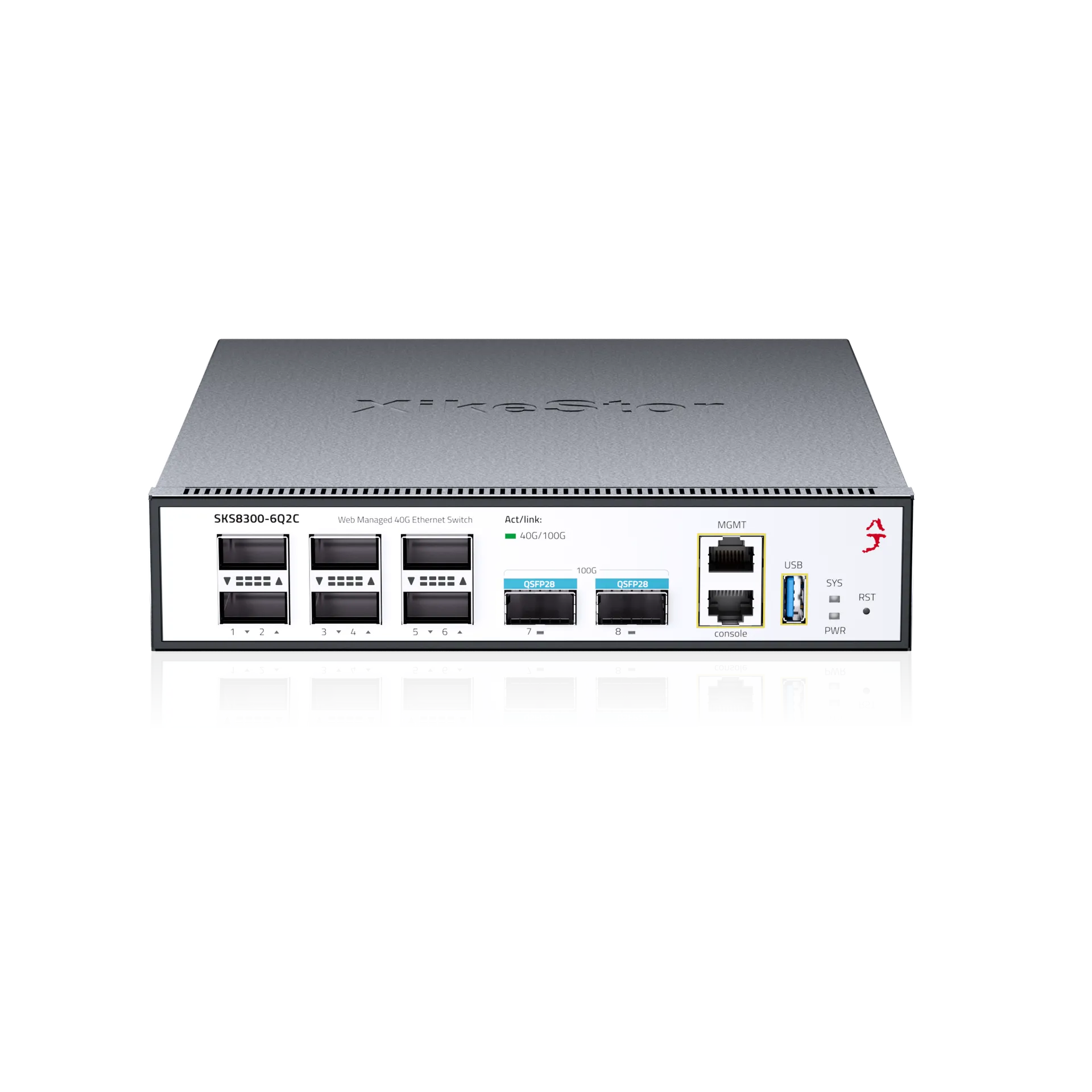
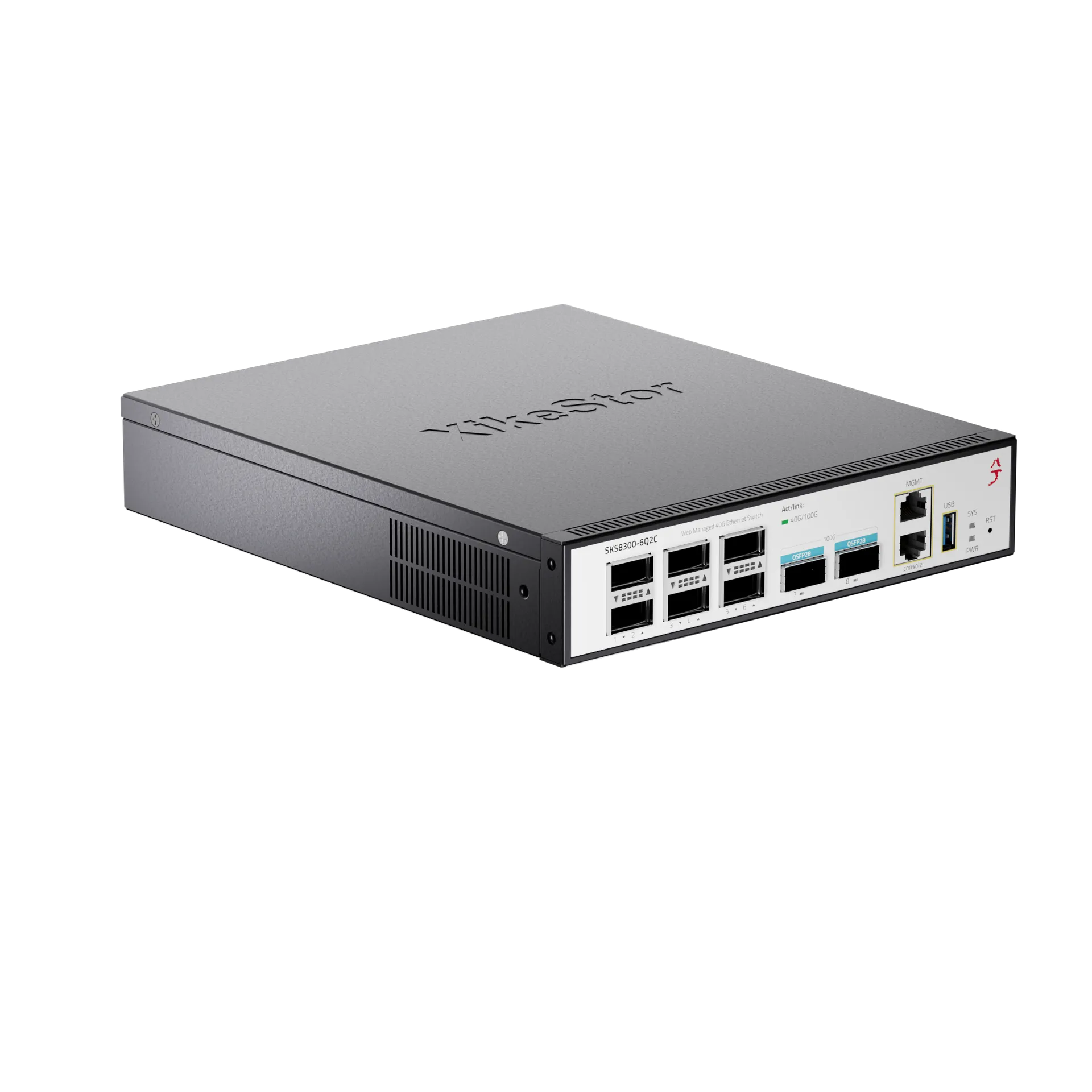
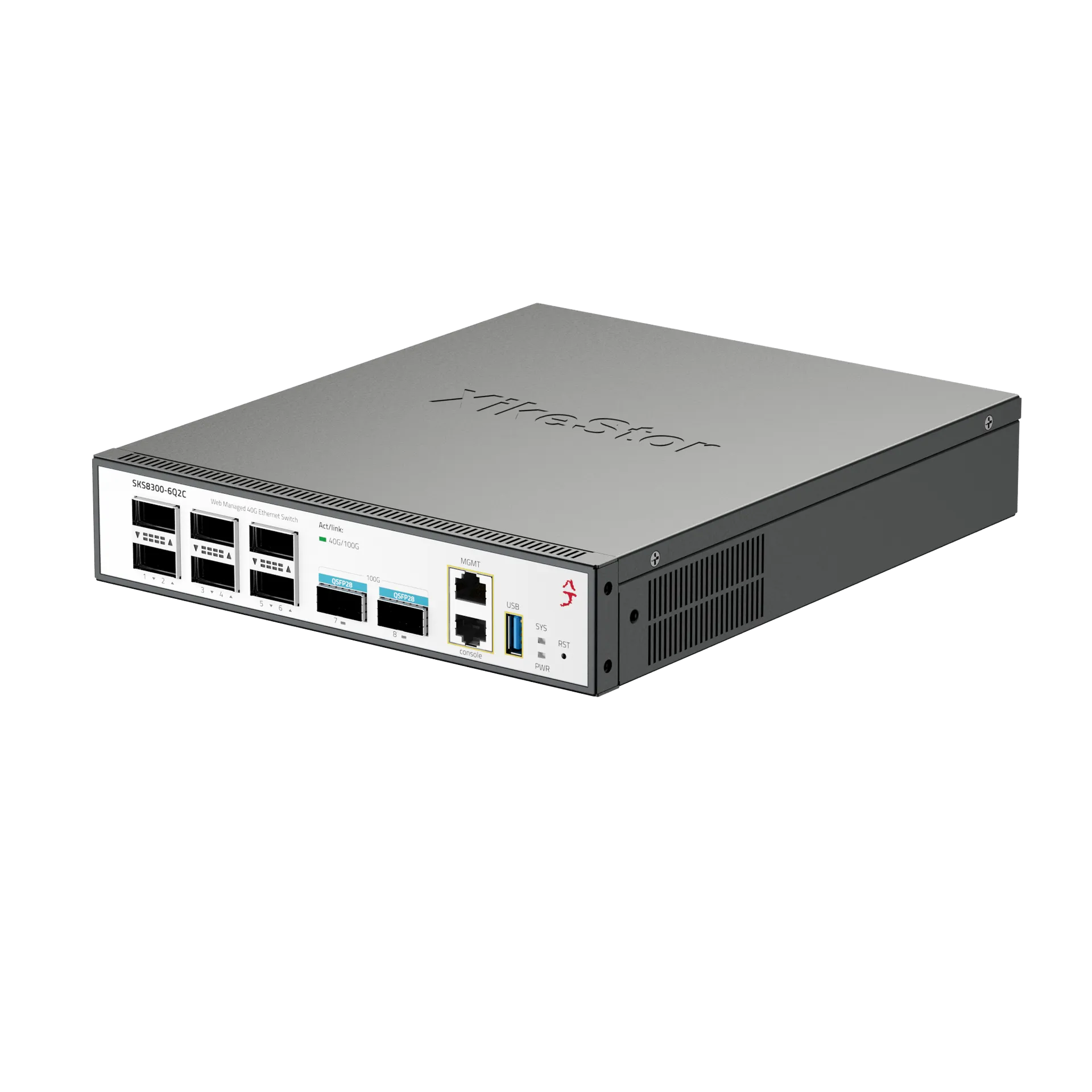
The XikeStor SKS8300-6Q2C is a flagship Layer 3 managed core switch featuring 6× 40G QSFP+ ports and 2× 100G QSFP28 ports. Delivering a massive 880Gbps switching capacity and a 654.72Mpps forwarding rate, it provides ultra-fast, non-blocking data transmission for enterprise cores, high-performance computing (HPC), and AI infrastructure.
2. Flexible Port Breakout & Massive Scalability
Maximize your network density with advanced port splitting capabilities. The 100G QSFP28 ports can be breakout into 4× 25G or 2× 50G, while the 40G QSFP+ ports can be split into 4× 10G via breakout cables (sold separately). This flexibility allows for seamless integration into diverse 10G/25G/40G/100G mixed-speed environments.
3. Advanced Layer 3 Routing & Data Center Protocols
Engineered for complex networking, it supports a full suite of dynamic routing protocols including OSPF, BGP, RIP, and IS-IS. Beyond standard L3 features, it supports advanced data center technologies like VXLAN, MPLS, and IPv4/IPv6 Dual Stack, along with ERPS (G.8032) for carrier-grade sub-50ms ring network redundancy.
4. Comprehensive Security & Enterprise-Class Management
Equipped with a robust security engine supporting ACL filtering, AAA (RADIUS/TACACS+), and 6KV surge protection. Administrators can manage the network through an out-of-band MGMT port, Console port, or standard CLI (SSH/Telnet), Web GUI, and SNMP v1/v2c/v3. A built-in USB port ensures easy system upgrades and configuration backups.
5. Data Center Ready Design & Reliable Hardware
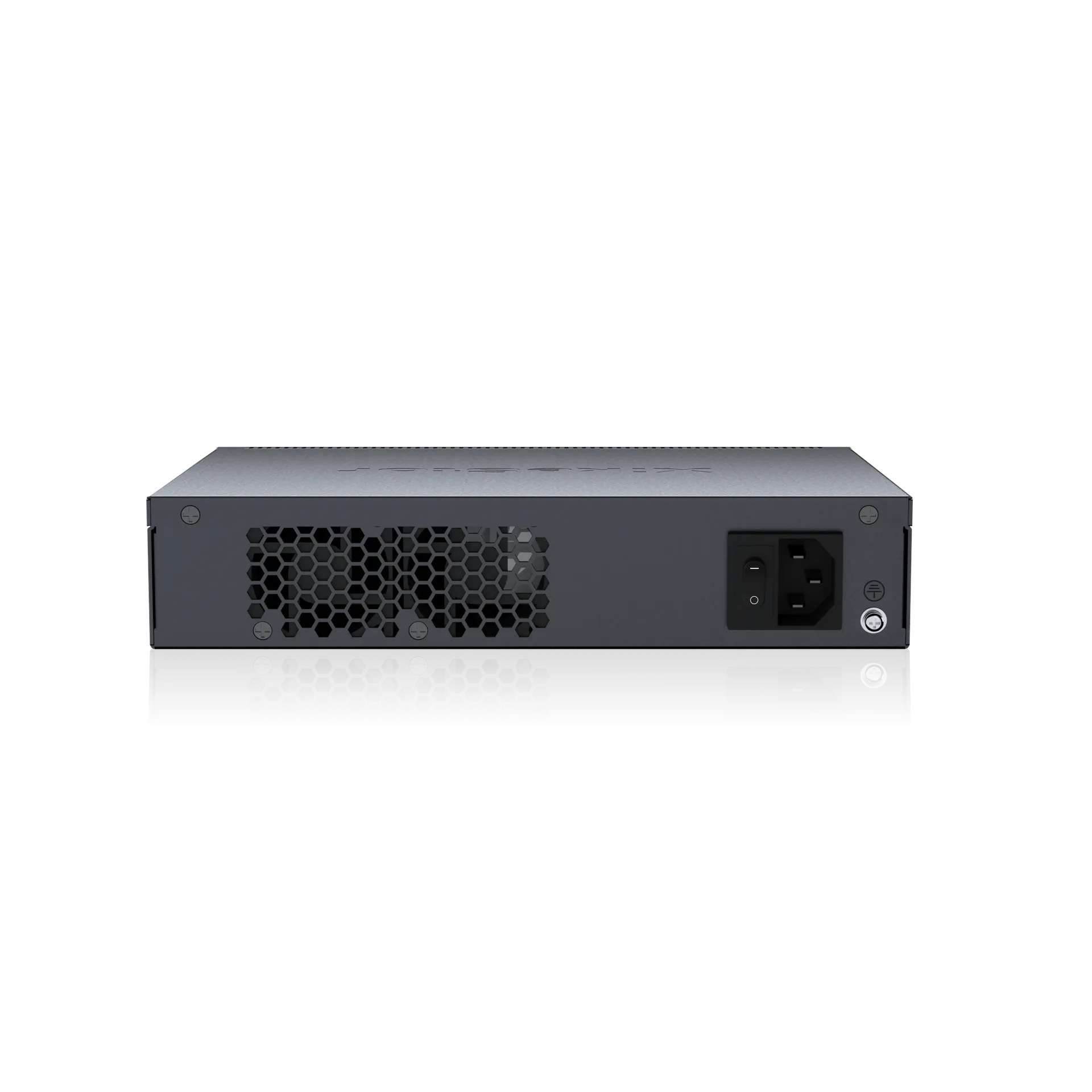
Housed in a professional 1U rackmount metal enclosure with a dual-fan cooling system for 24/7 stable operation. Featuring a 128K MAC address table, this switch is purpose-built for high-density environments, including data center leaf-spine architectures, enterprise cores, and edge computing nodes.
6. Professional Setup & Management Access
Initial configuration can be performed via the Console port or the dedicated MGMT port. Access the intuitive Web GUI or powerful CLI to monitor real-time performance and configure advanced L3/VXLAN settings. Important: To ensure continuous operation, always click the “Save” button after configuration to retain all settings through power cycles or firmware updates.

 Ports Count
 Downlink Speed
 Uplink Speed
 Switching Capacity
 PoE Ports
 PoE Power
 Managed Layer
 Casing Material
 English
  German
 Japanese
 French
 Dutch
Dutch